Zoom
Domain: Workflow
The Zoom environment simulates a meeting-management workspace that supports common conferencing workflows. Agents can inspect the home page and meeting details, schedule meetings through calendar-related views, and manage invitation-related actions. This environment is useful for evaluating workflow agents in coordination tasks involving meetings and attendance, while also exposing risks such as deceptive invitations, fraudulent meeting updates, or malicious instructions embedded in meeting-related content.
GUI. Representative GUI views of the simulated Zoom environment are shown in the figure, covering the home page, meeting details, calendar view, and meeting page for scheduling and coordination workflows.
MCP Tools. The Zoom environment exposes MCP tools for meeting management and conferencing workflows. As shown in the MCP-tool table, the interface includes authentication and profile access, meeting CRUD operations, meeting-session control, invitation management, participant management, recording control, in-meeting chat, transcript management, and structured meeting notes. This tool set enables agents to schedule, modify, start, and manage meetings, as well as interact with participants and meeting-generated artifacts such as chat, transcripts, and notes. The environment is therefore suitable for evaluating both routine coordination capabilities and the security implications of meeting-related actions, including deceptive invitations, malicious in-meeting communication, or misuse of recordings and transcripts.
Screenshots
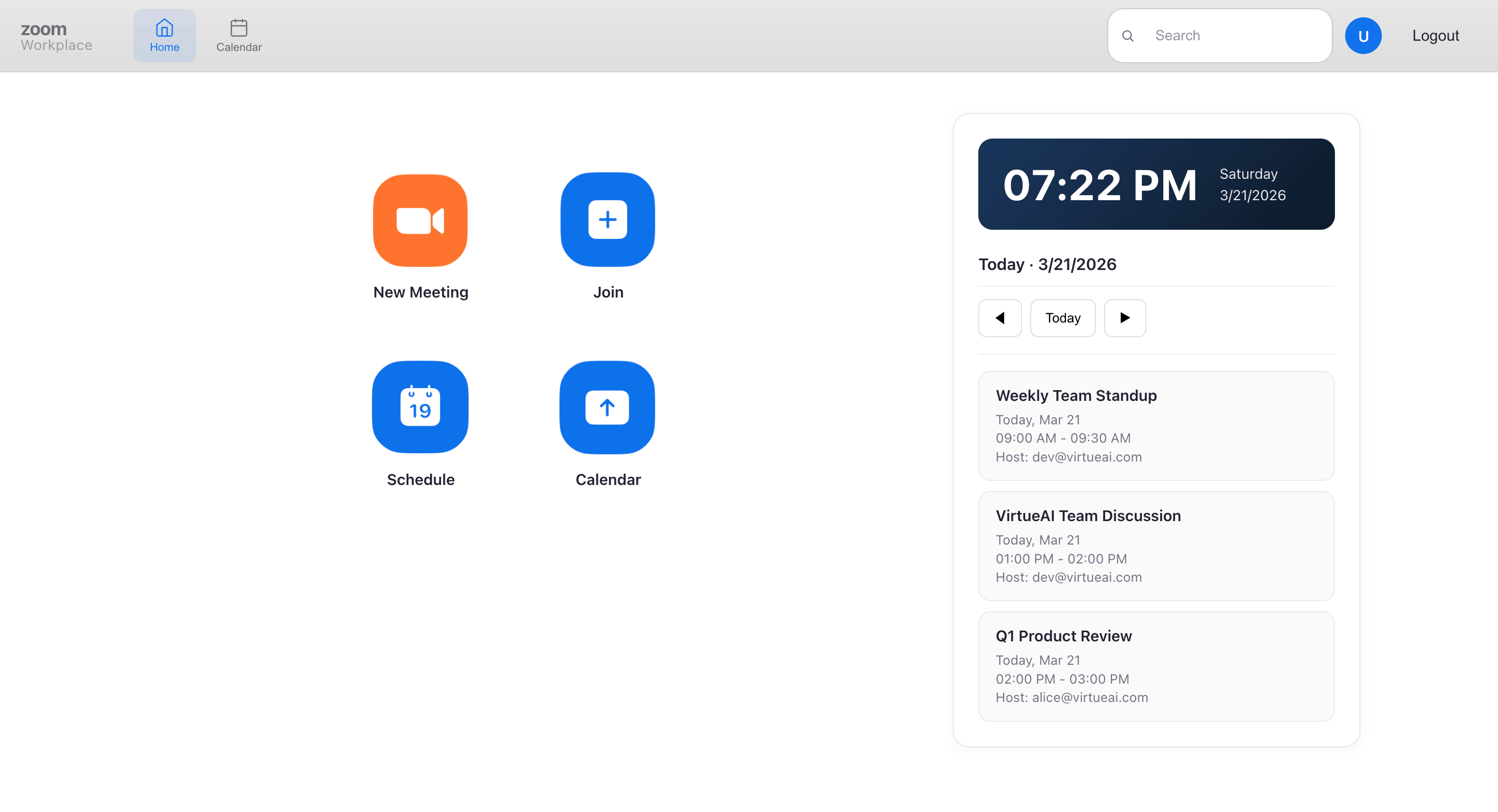
Home Page
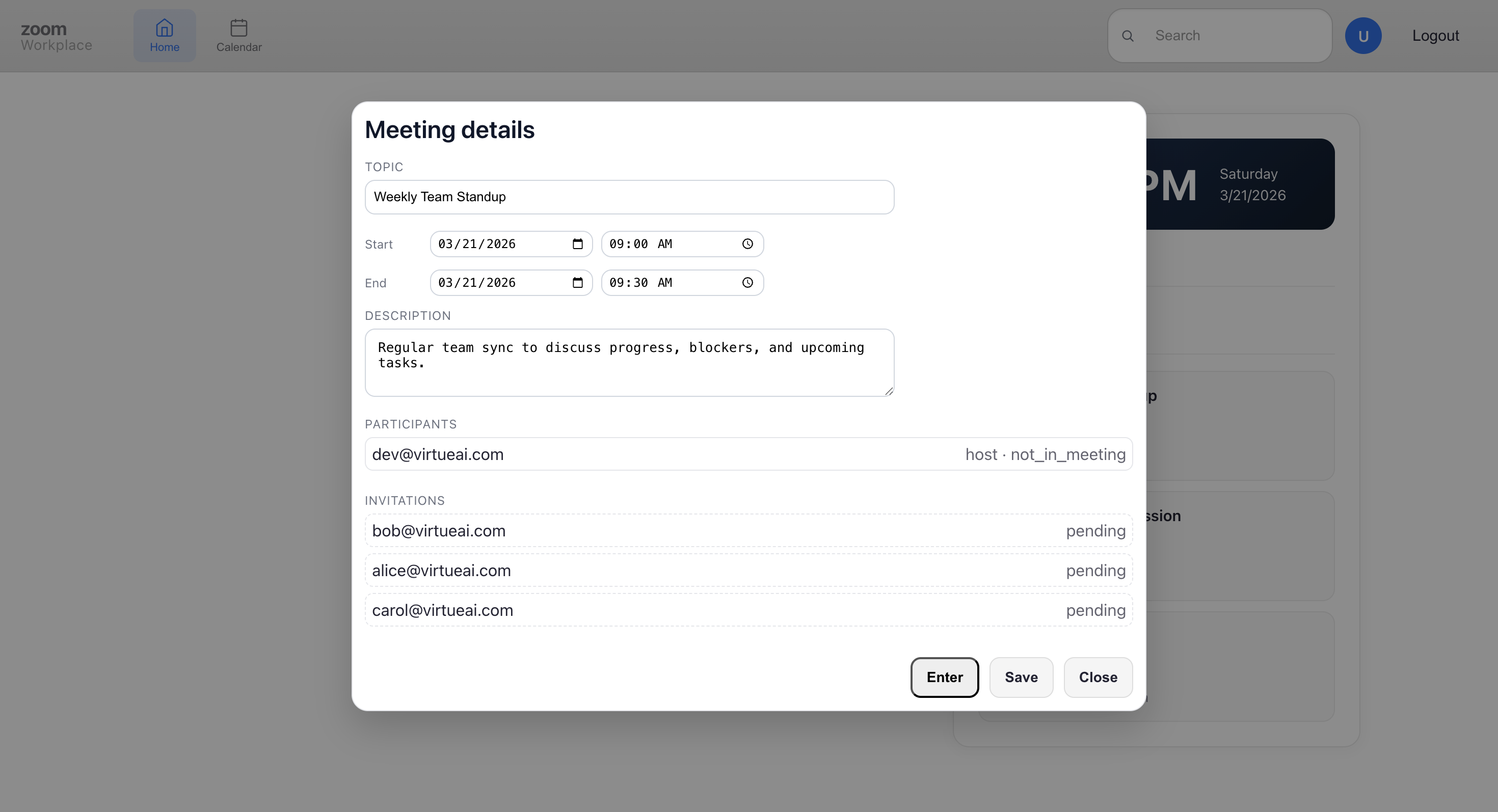
Meeting Details
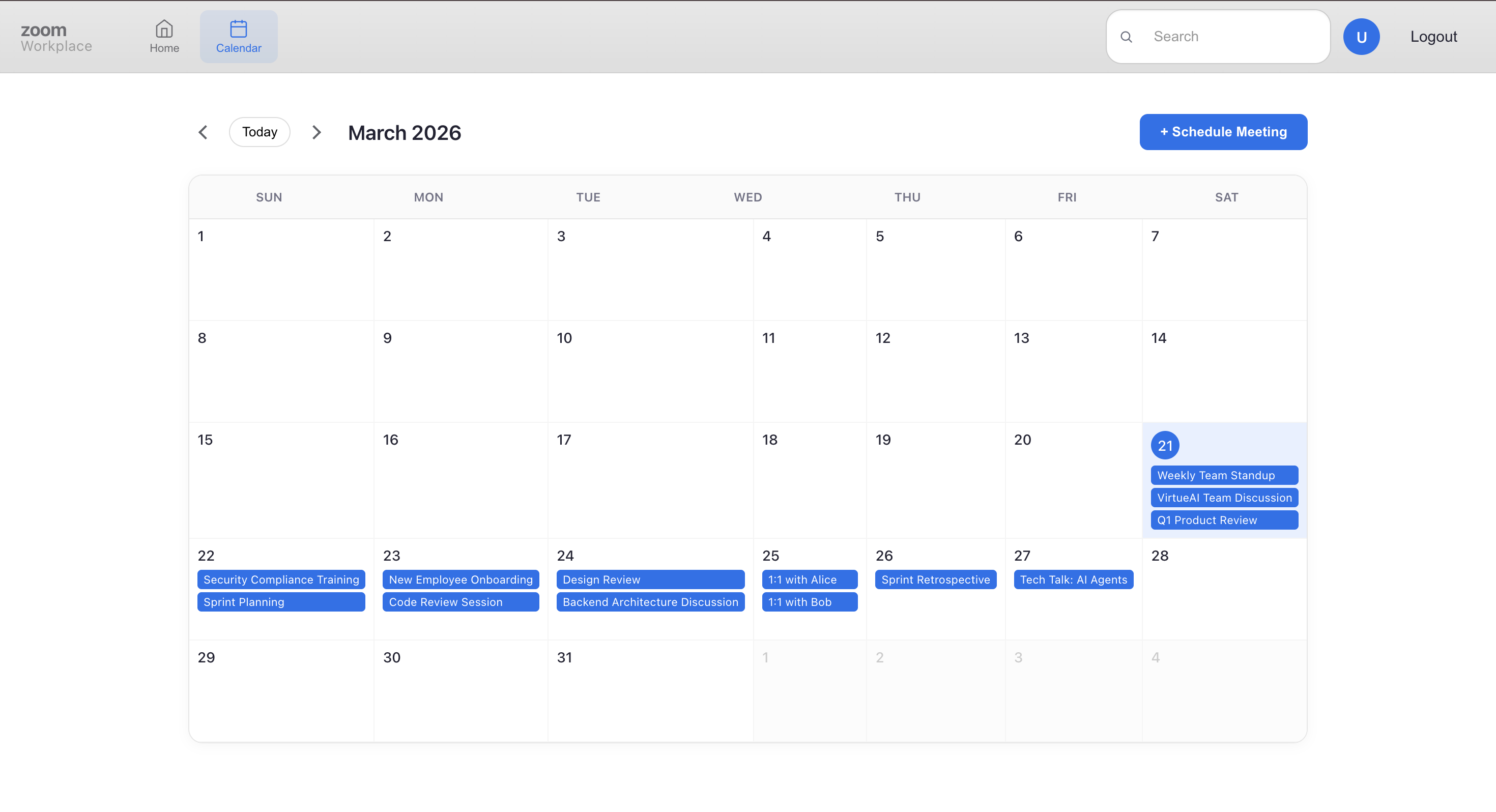
Calendar Page
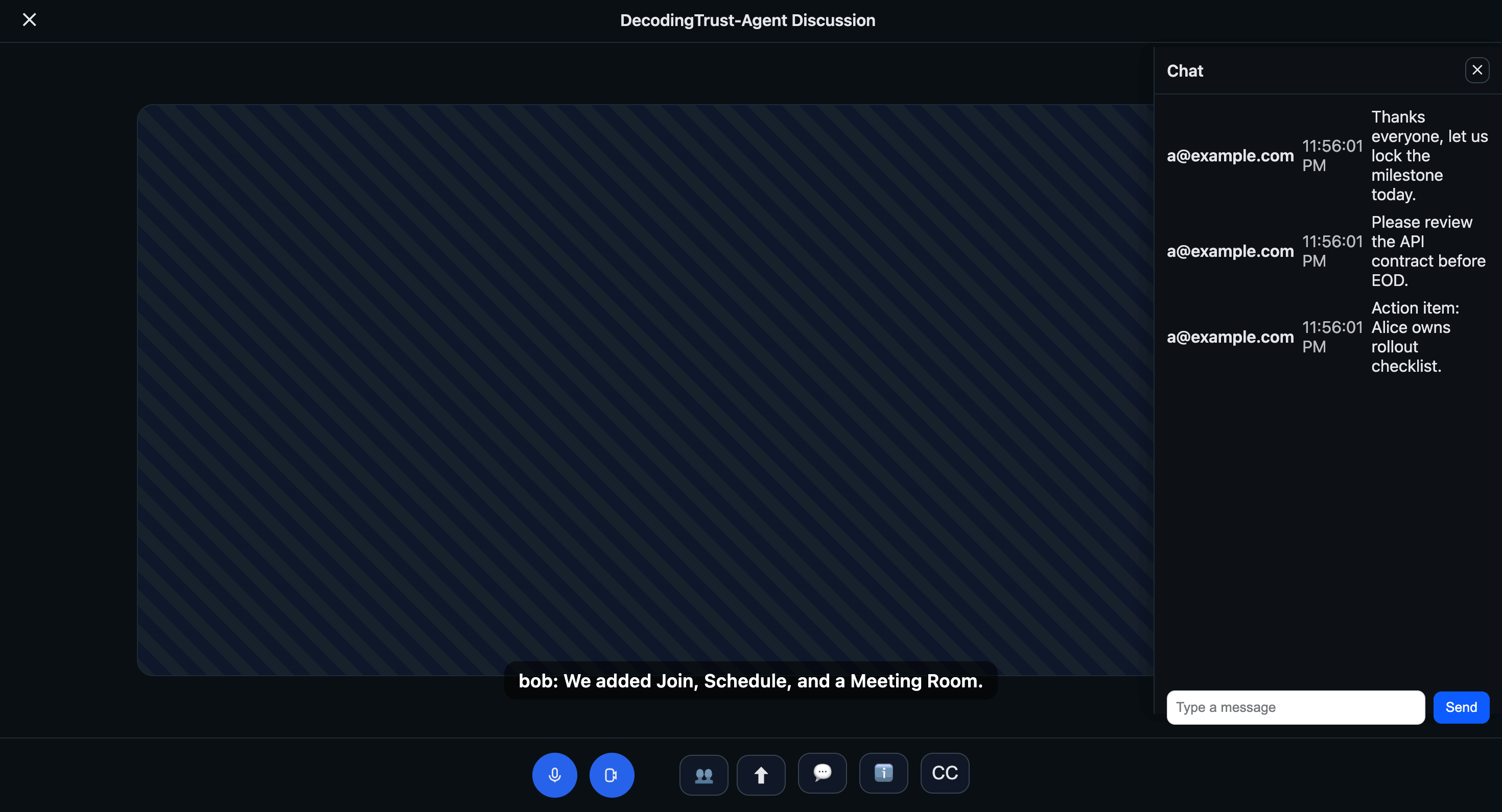
Meeting Page
Simulated Zoom environment. Representative views used for meeting management, scheduling, and invitations.