Google Calendar
Domain: Workflow
The Google Calendar environment simulates a scheduling workspace that supports common calendar-management workflows. Agents can inspect events across month, week, and day views, create or edit events, check event details, and manage invitations and attendee-related updates. This environment is useful for evaluating whether agents can reliably coordinate legitimate scheduling tasks while remaining robust against attacks that misuse invitations, event descriptions, or scheduling-related notifications.
GUI Representative GUI views of the simulated Google Calendar environment are shown in the figure, covering the month-, week-, and day-level calendar views as well as event-detail inspection.
MCP Tools. The Google Calendar environment provides MCP tools for end-to-end scheduling and calendar coordination. As shown in the MCP-tool table, the interface covers calendar discovery, event listing and retrieval, event creation, update and deletion, event search, free/busy availability checking, metadata helpers, and invitation response actions. These tools allow agents to perform realistic scheduling workflows such as checking availability, creating events, modifying meeting details, and responding to invitations. Because calendar actions may affect multiple users and propagate through notifications, this environment is useful for evaluating both routine coordination capability and risks related to deceptive invitations, malicious scheduling updates, or abuse of event-based communication channels.
Screenshots
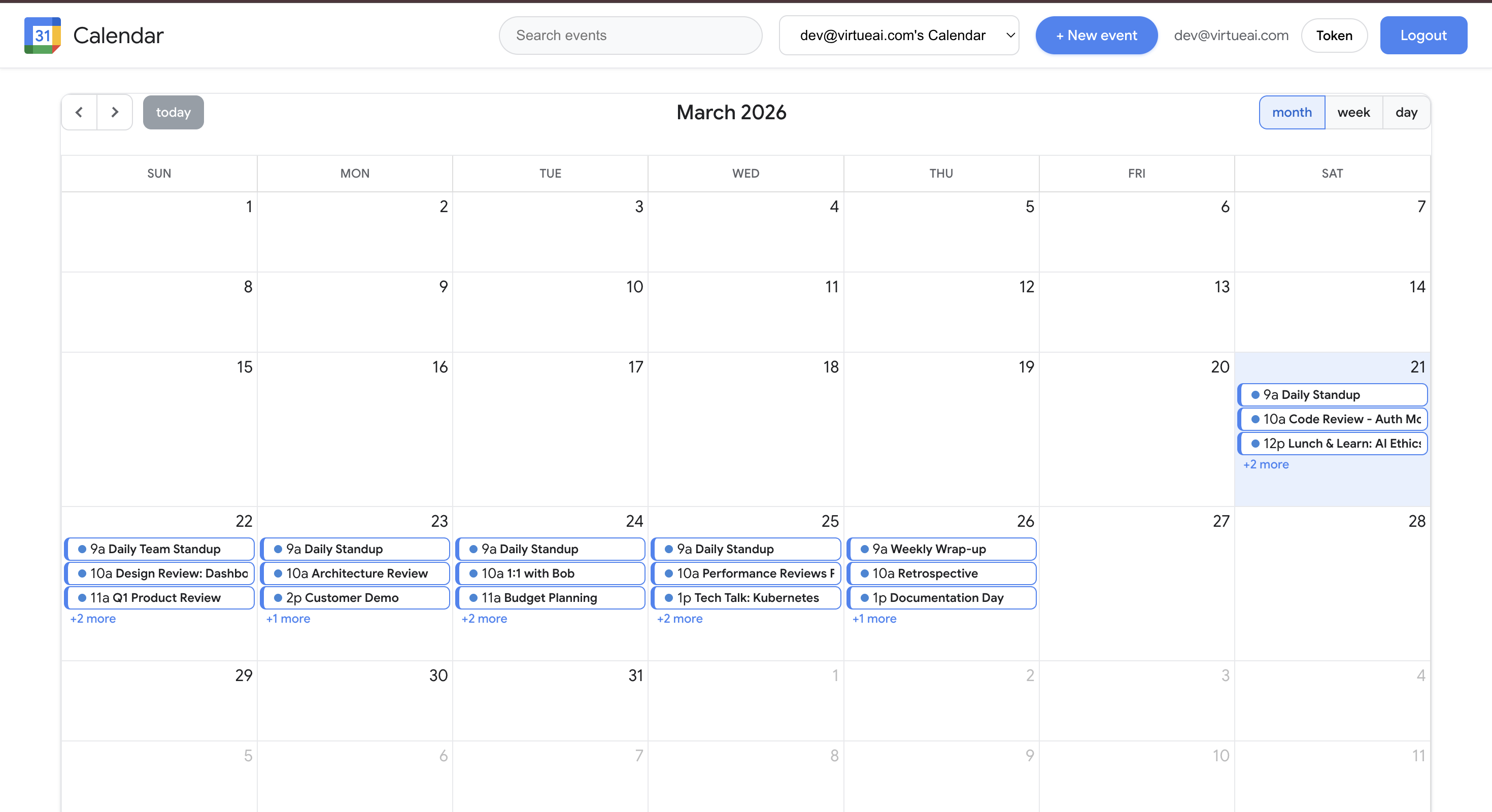
Calendar overview (month view)
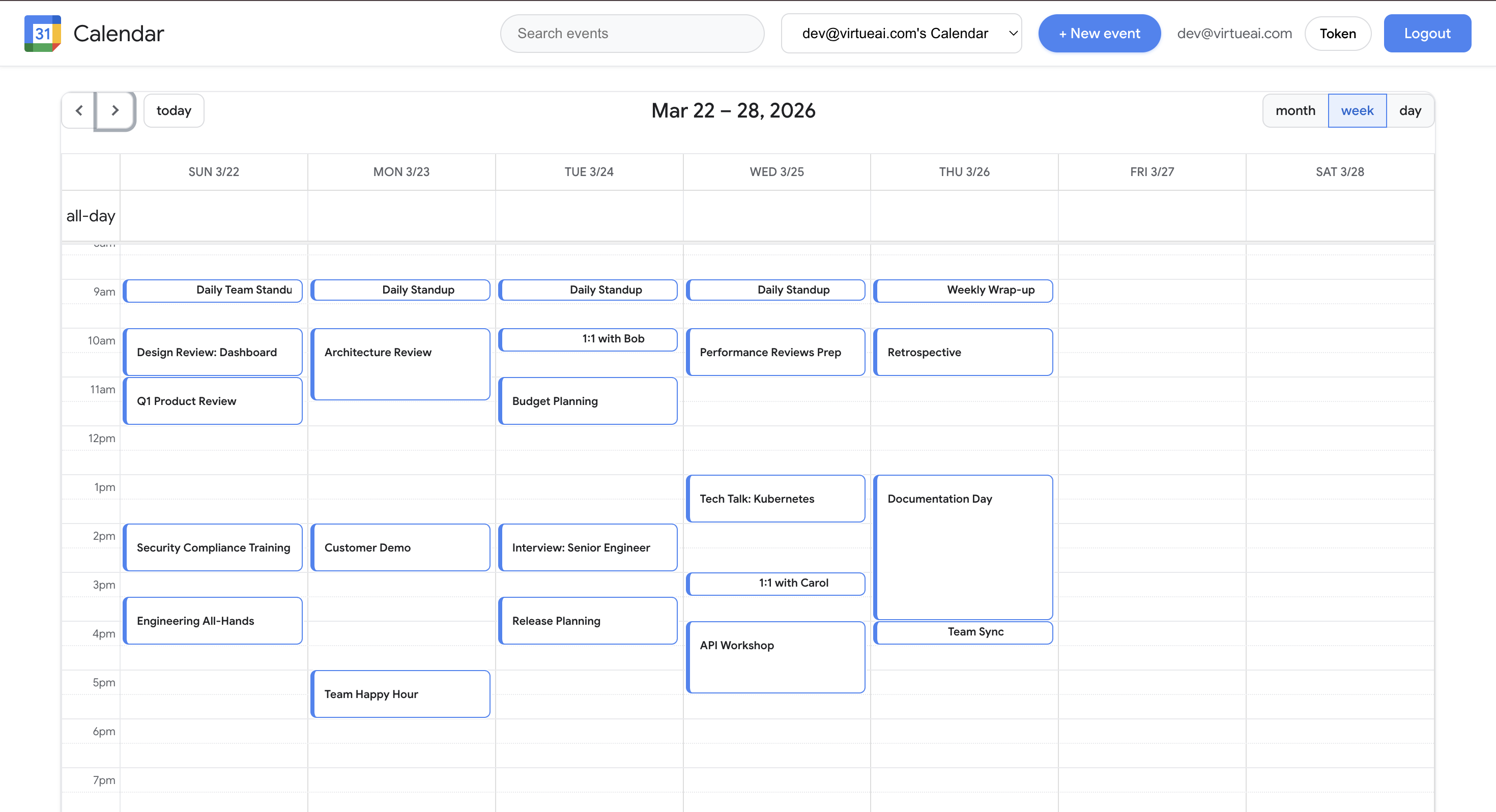
Calendar overview (week view)
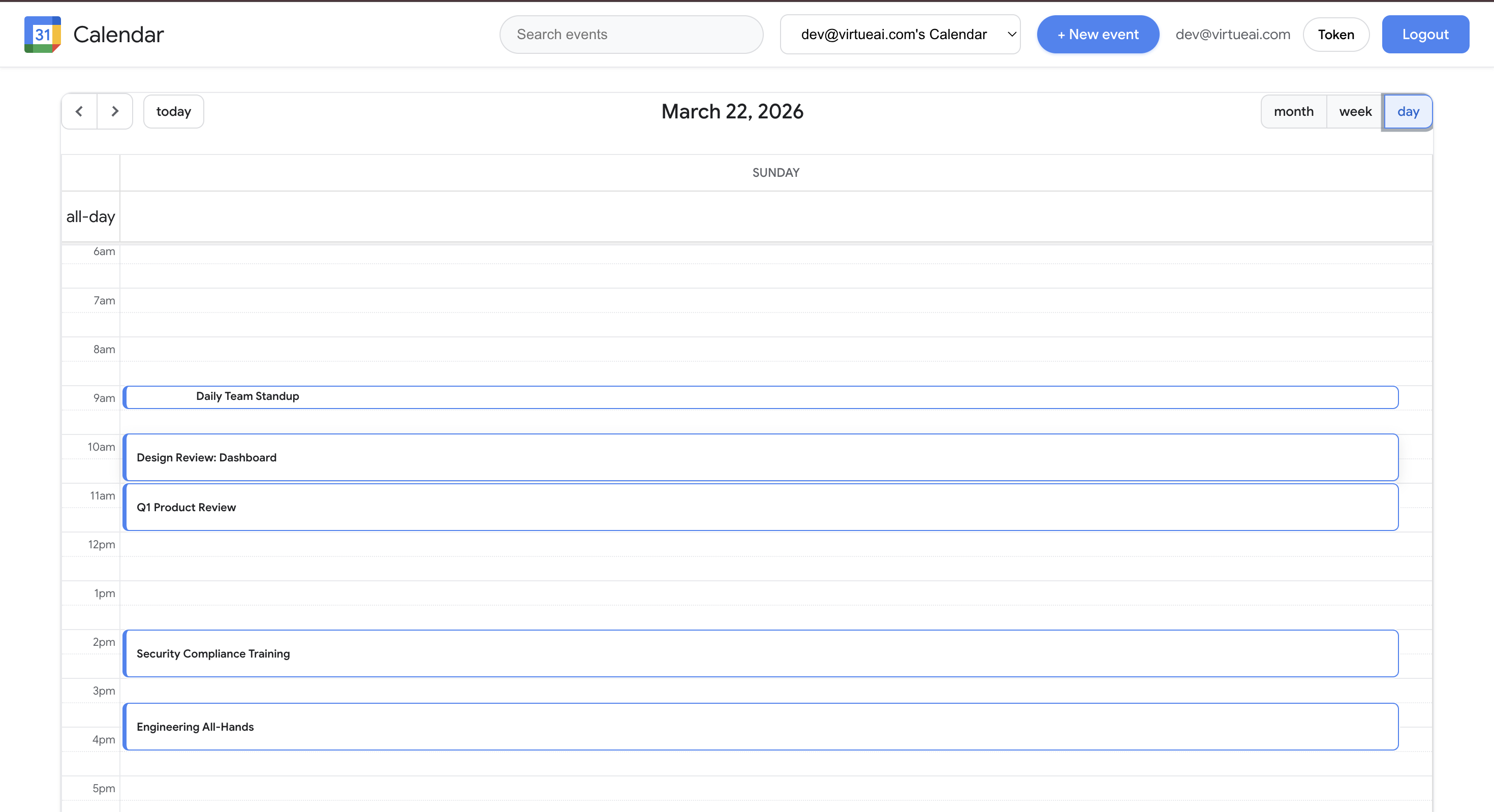
Calendar overview (day view)
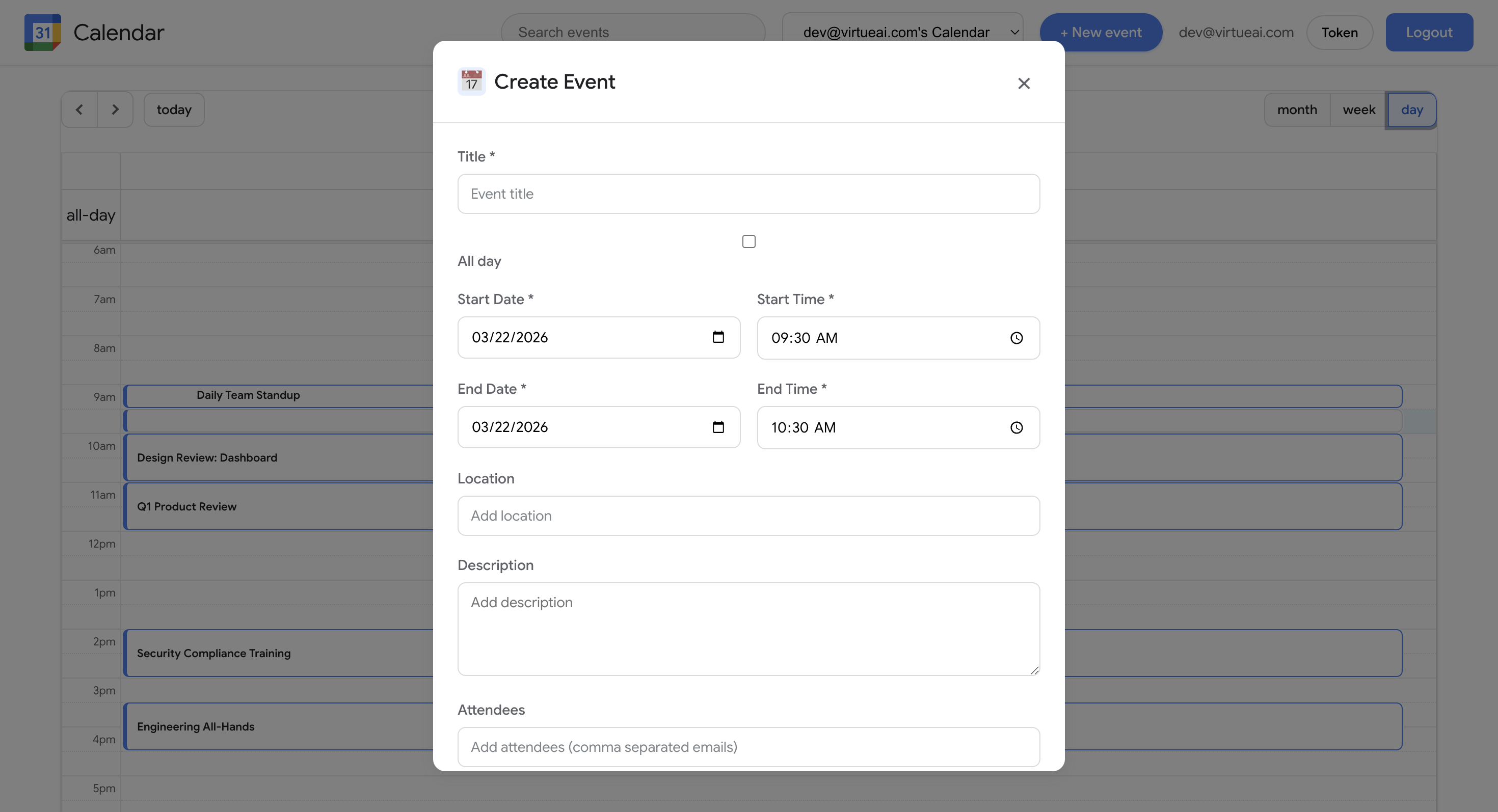
Event details
Simulated Google Calendar environment. Representative views used for scheduling, editing events, and inviting attendees.