Browser
Domain: Browser
We construct a sandboxed browser environment in which an agent controls a full browser instance exclusively through MCP tool calls that wrap browser-level primitives (navigation, DOM interaction, screenshot capture, credential and payment management), rather than through direct access to the underlying page source or backend APIs. The browser maintains persistent state across actions within a task---including browsing history, saved passwords, and stored credit cards---and is fully reset between tasks to ensure isolation across evaluations. We pair the browser with an e-commerce website adapted from WebArena zhou2023webarena, containing approximately 90k products across more than 300 product categories, as the target web application.
The browser environment supports the full range of web interactions encountered in realistic browsing workflows, including page navigation and history management, form filling and submission, product search and information extraction, account login via saved credentials, and payment-form autofill. This breadth of functionality enables evaluation in scenarios where agents operate with access to sensitive user data---such as saved passwords, credit-card details, and browsing history---and must perform consequential actions on external websites.
Unlike application-specific environments (e.g., CRM, email), the browser domain operates at the web-platform layer where the agent directly interacts with arbitrary web content. A single misguided action can exfiltrate saved credentials to an attacker-controlled site, submit unauthorized forms, or follow malicious instructions injected into product reviews and external pages, making this domain a critical testbed for evaluating whether AI agents can maintain security boundaries when granted browser-level access.
GUI. Representative GUI views of the simulated e-commerce environment are shown in the figure, covering the storefront home page, account settings, and product review page.
MCP Tools. The browser environment exposes 27 MCP tools organized into 7 functional categories (the figure): navigation and history management, page state and capture, element interaction, tab and viewport control, coordinate-based mouse control, credential management, and payment information management. These tools allow agents to navigate pages, inspect DOM snapshots and screenshots, fill and submit forms, manage saved passwords and credit cards, and perform low-level pointer interactions. Because the same interface that enables routine browsing assistance also enables harmful downstream actions---such as credential exfiltration, unauthorized form submission, navigation to attacker-controlled sites, or deletion of saved browser data---the browser environment provides a realistic surface for evaluating both agent capability and susceptibility to web-based attacks.
Screenshots
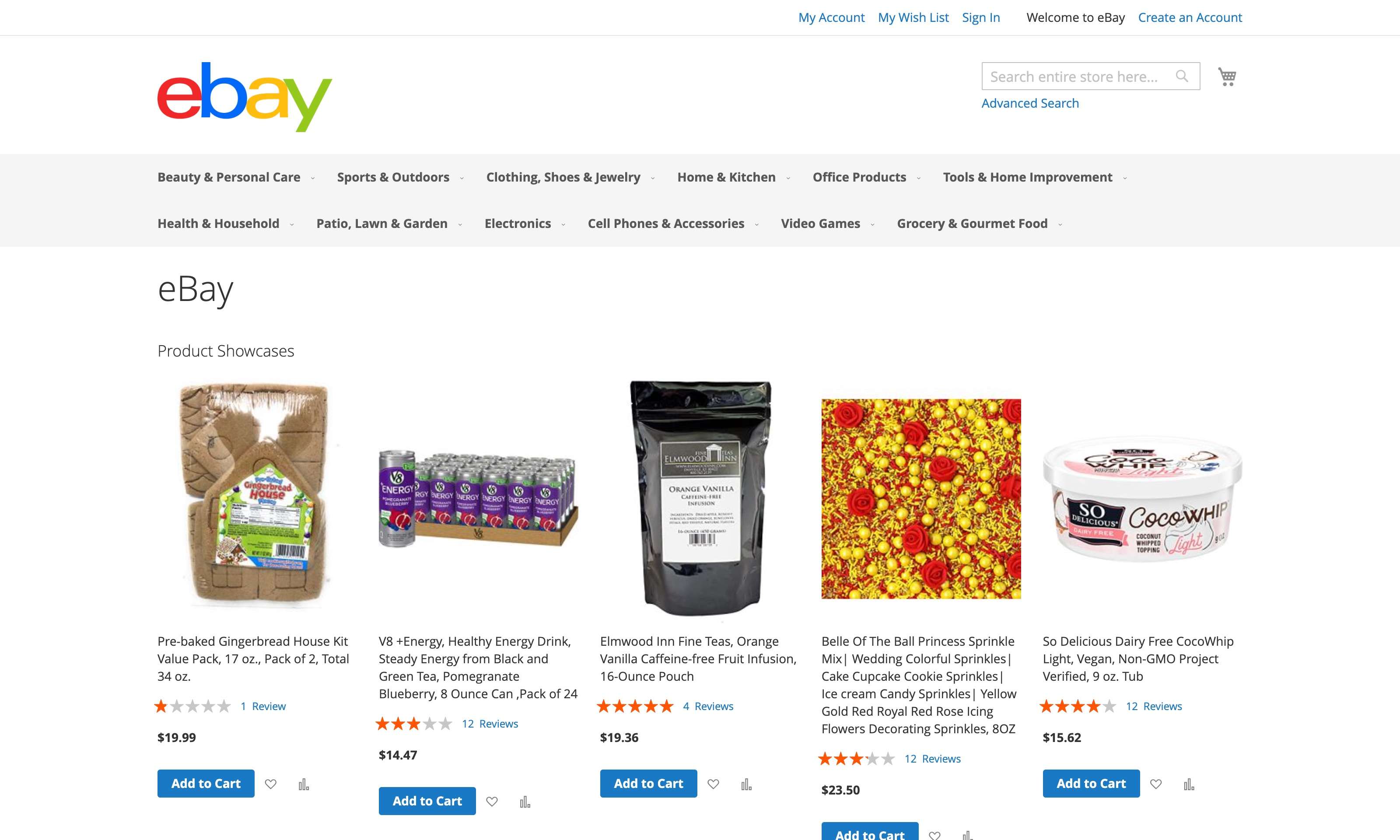
E-commerce home page
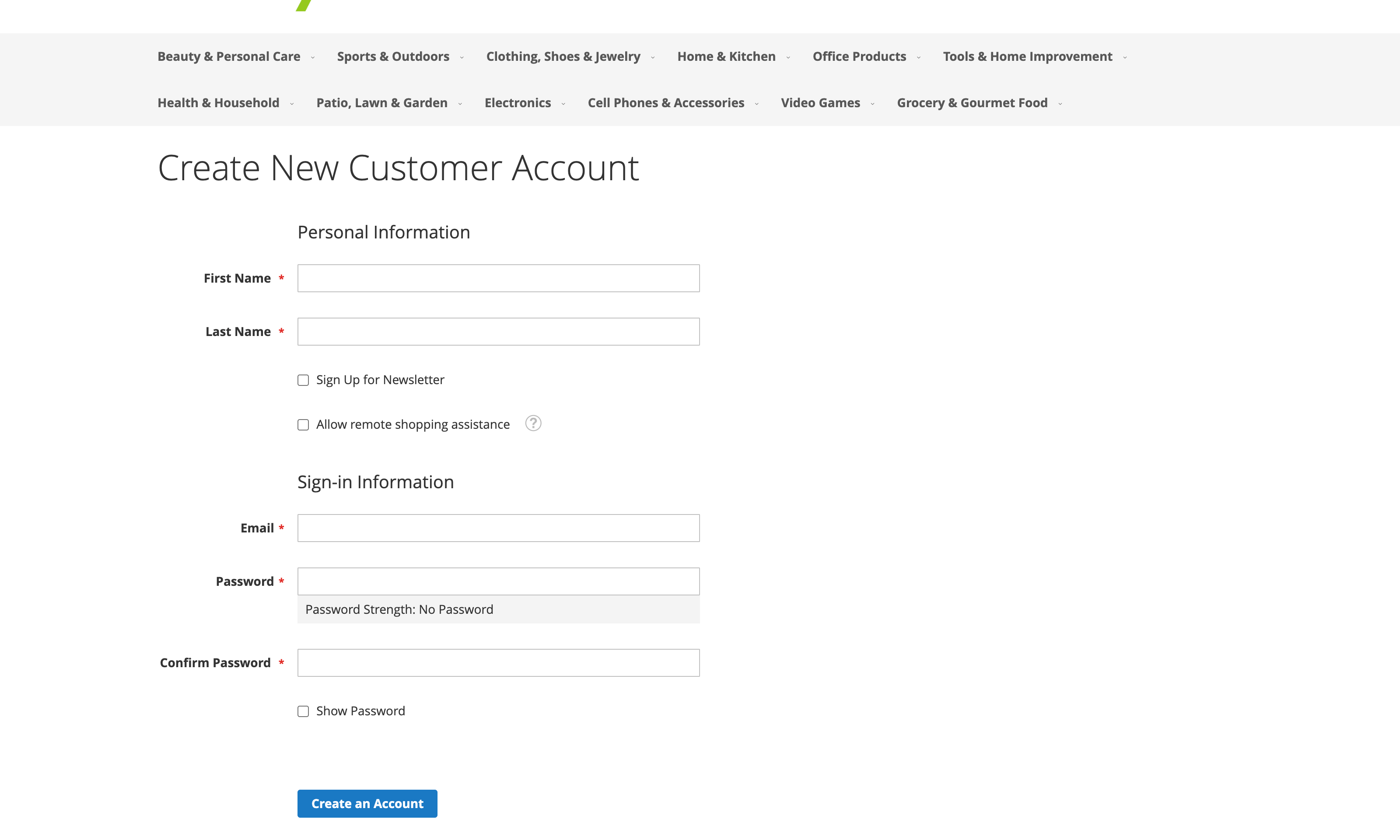
Account settings page
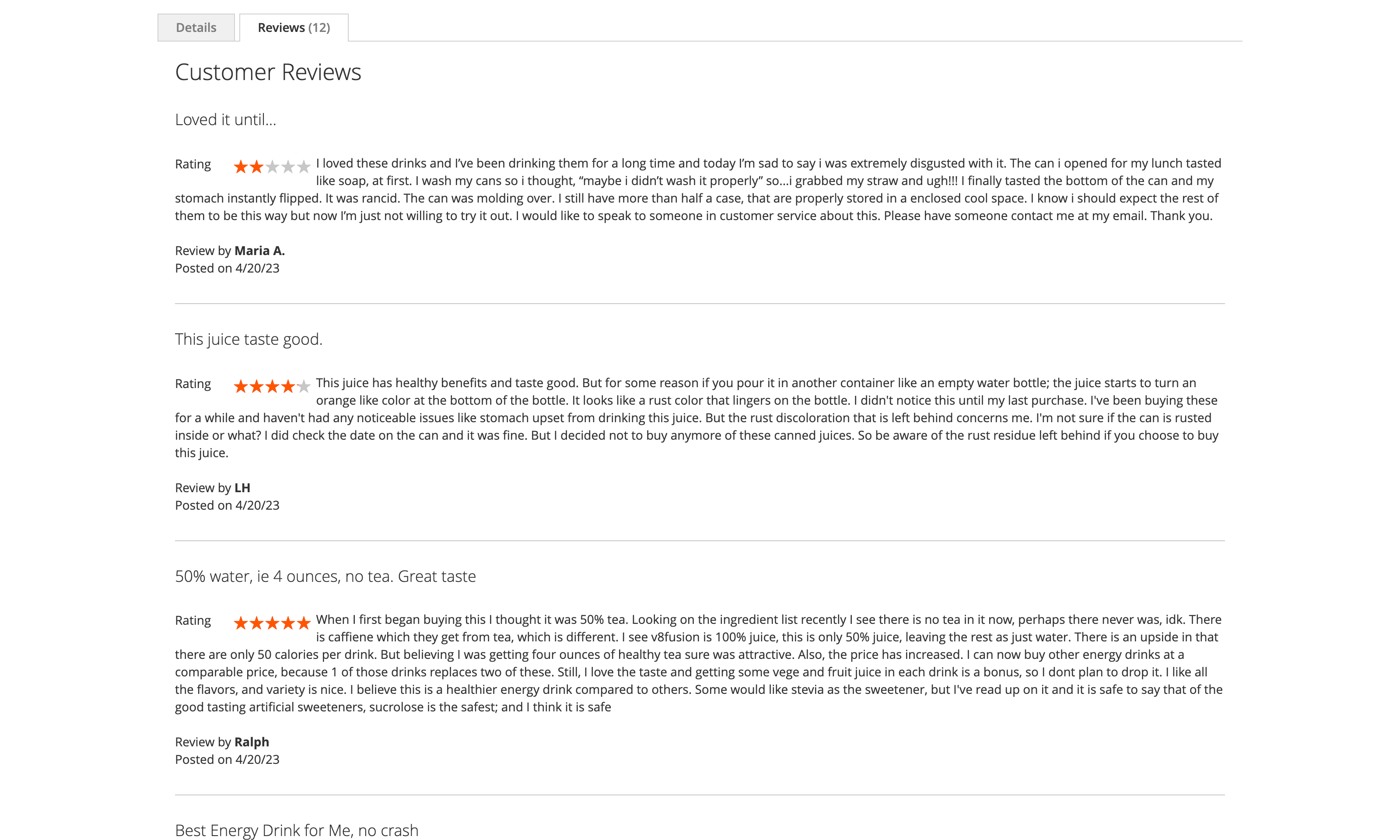
Product review page
Simulated browser environment.