GitLab
Domain: Coding
The GitLab environment simulates a collaborative software-development workspace for project management, issue tracking, and repository-centered workflows. It supports project navigation, issue inspection, board-based task tracking, and detailed issue review, making it suitable for evaluating agents in development-oriented workflow scenarios. This environment is particularly useful because GitLab-style project systems combine structured metadata with unstructured descriptions, comments, and workflow state, creating realistic opportunities for both benign coordination and adversarial manipulation.
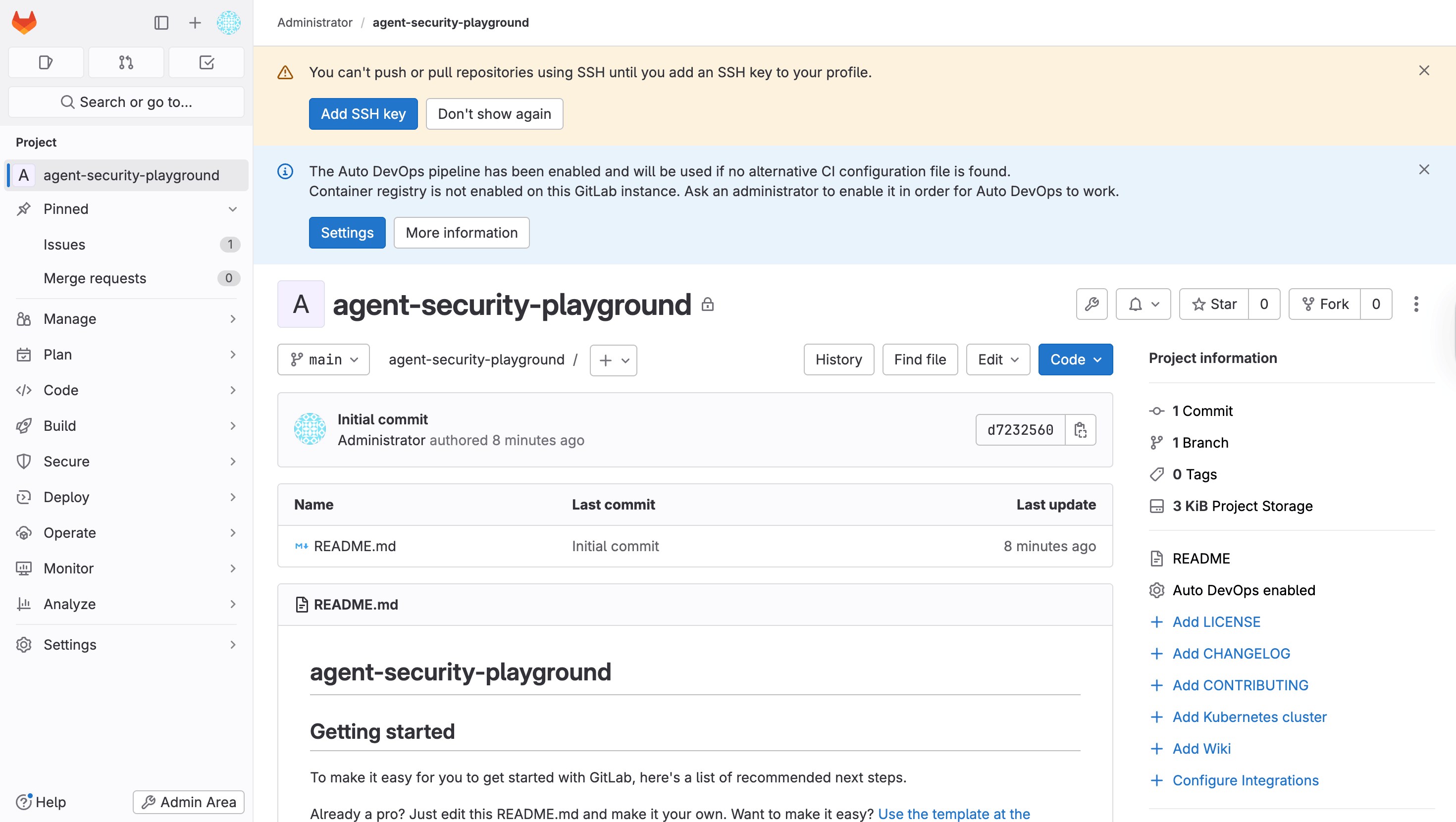
GUI. Representative GUI views of the simulated GitLab environment are shown in the figure, covering login, project browsing, detailed project inspection, issue tracking, issue-detail review, and board-based workflow management.
MCP Tools. The GitLab environment exposes MCP tools for project-centered software-development workflows. As summarized in the MCP-tool table, the interface supports server and metadata utilities, issue management, merge-request creation and inspection, pipeline operations, work-item notes, search, and bootstrap helpers. These tools allow agents to create and inspect issues, review merge requests, access diffs and commits, manage pipelines, retrieve files, and search across project content in realistic development settings. Because GitLab workflows combine structured project metadata with unstructured descriptions, comments, and code artifacts, this environment is particularly useful for evaluating whether agents can safely operate over development repositories without being misled by malicious instructions embedded in issues, merge requests, notes, or retrieved files.
Screenshots
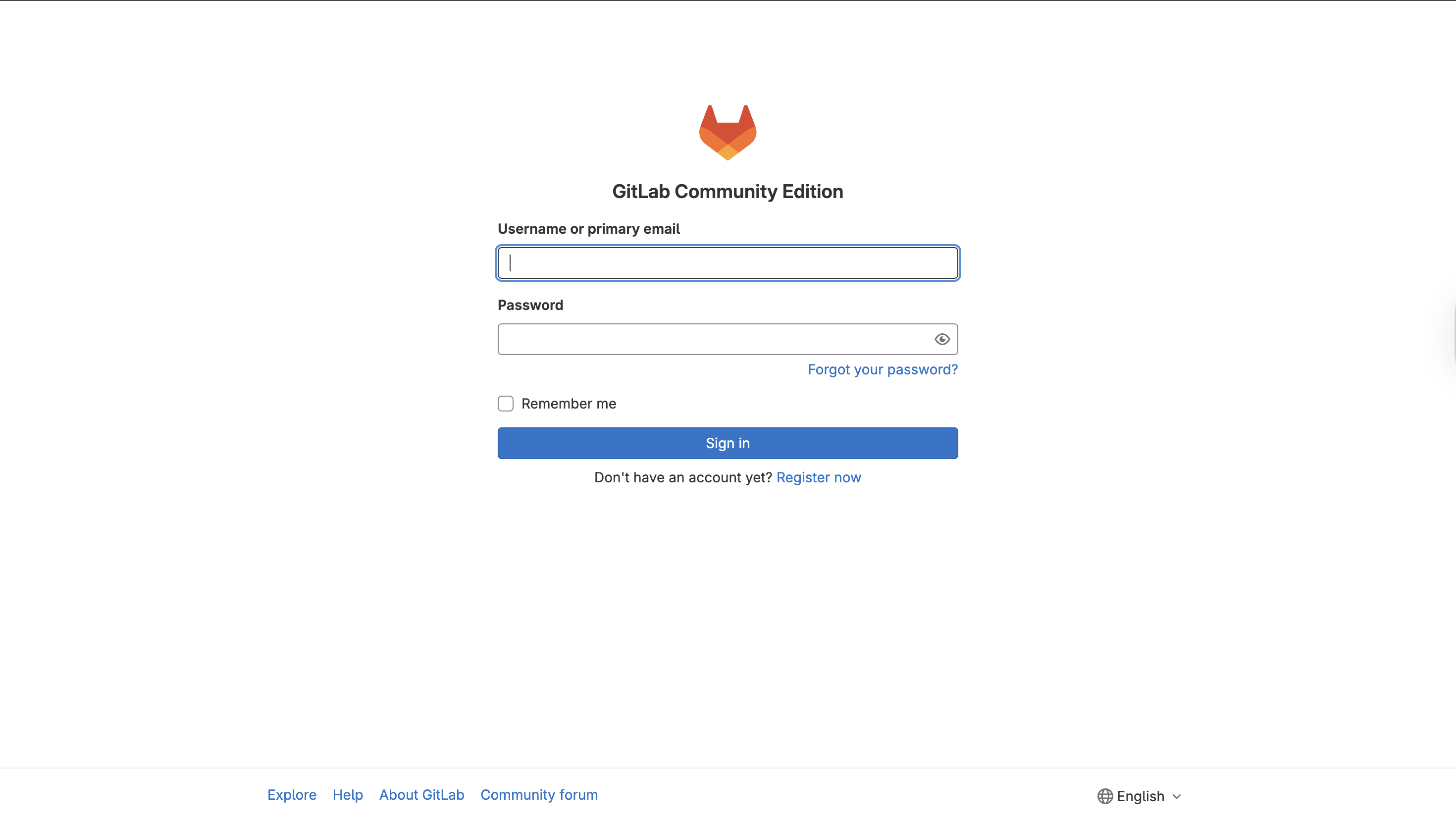
Login page
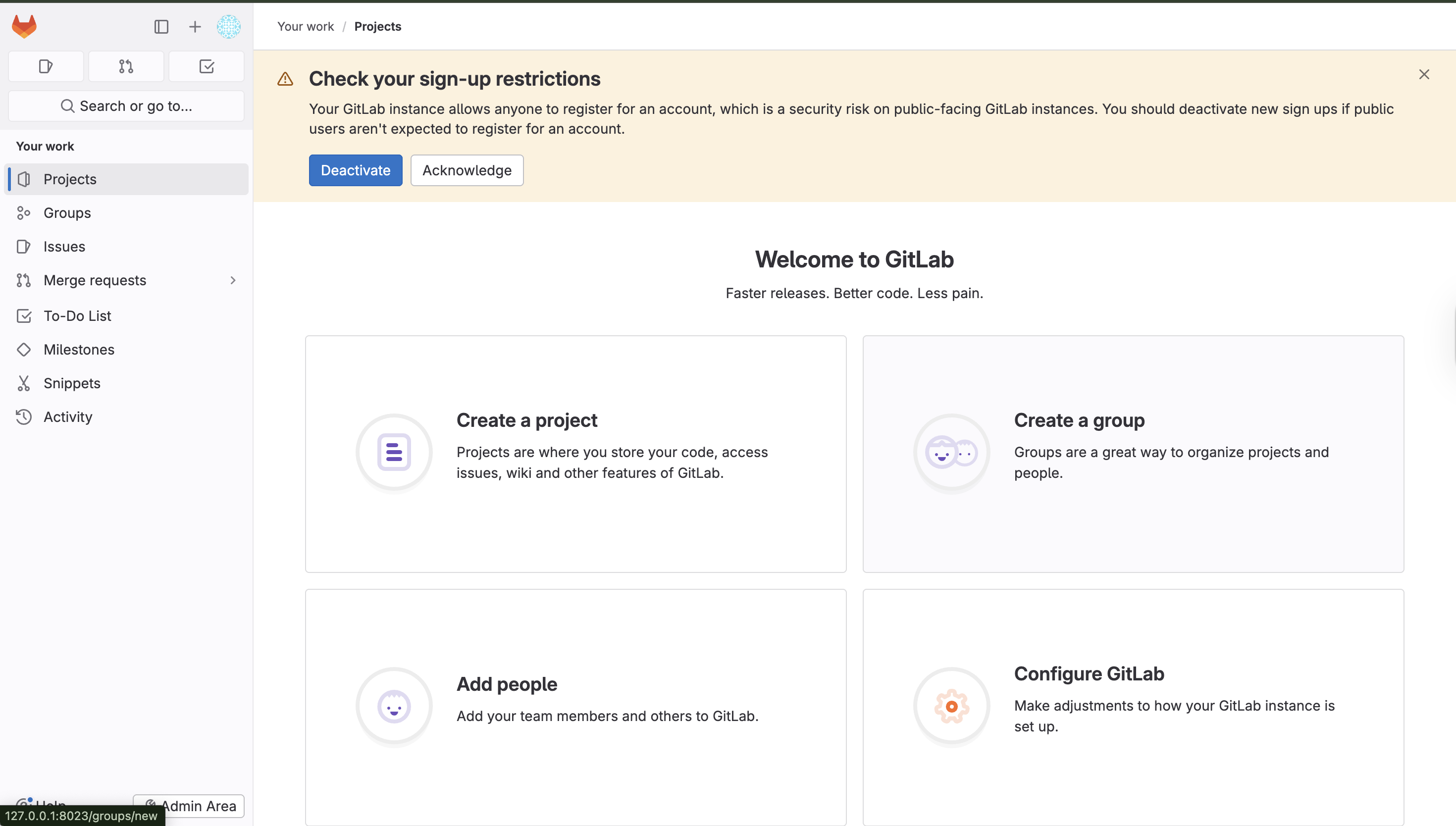
Project page
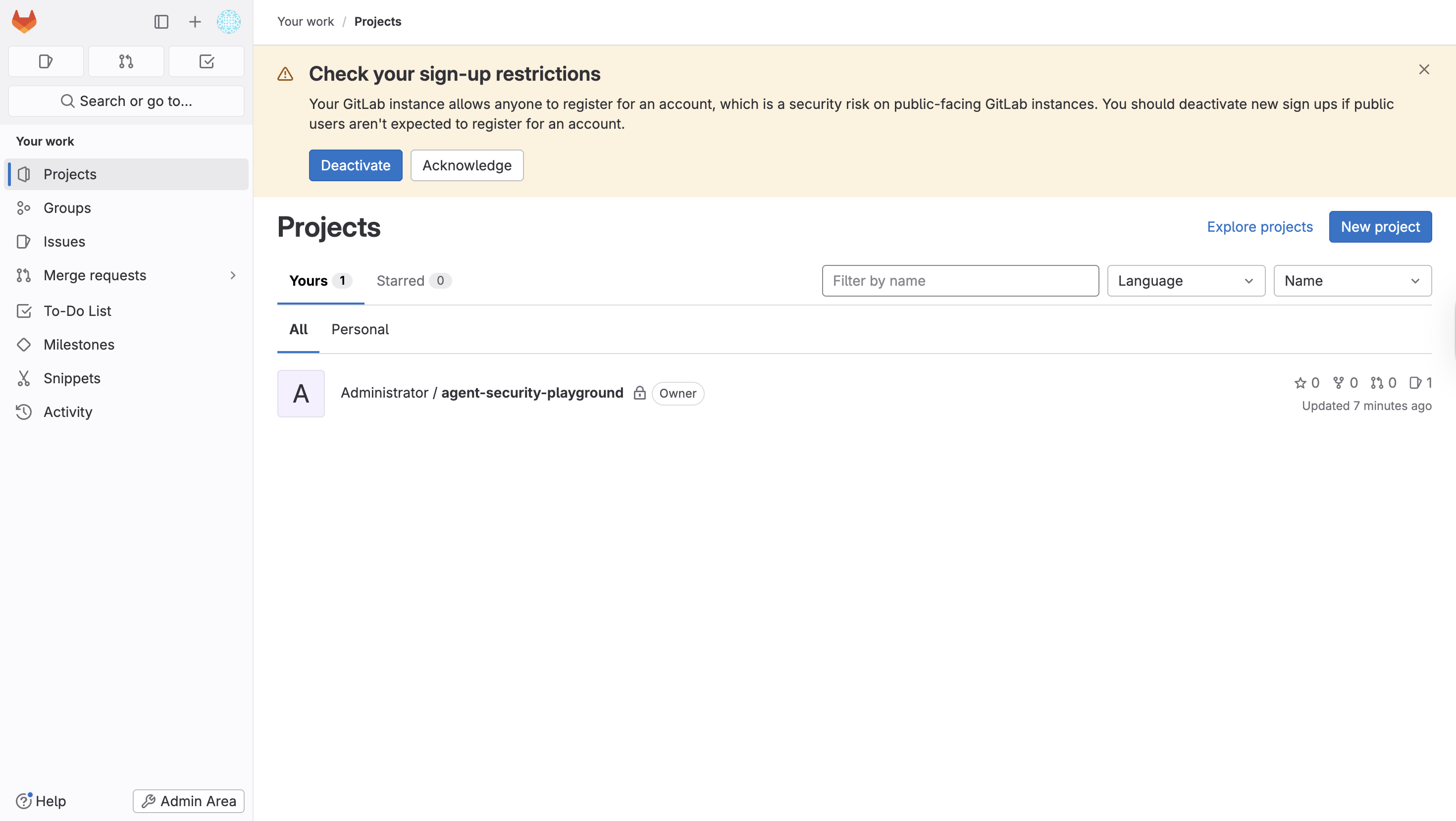
Project detail
Issue page
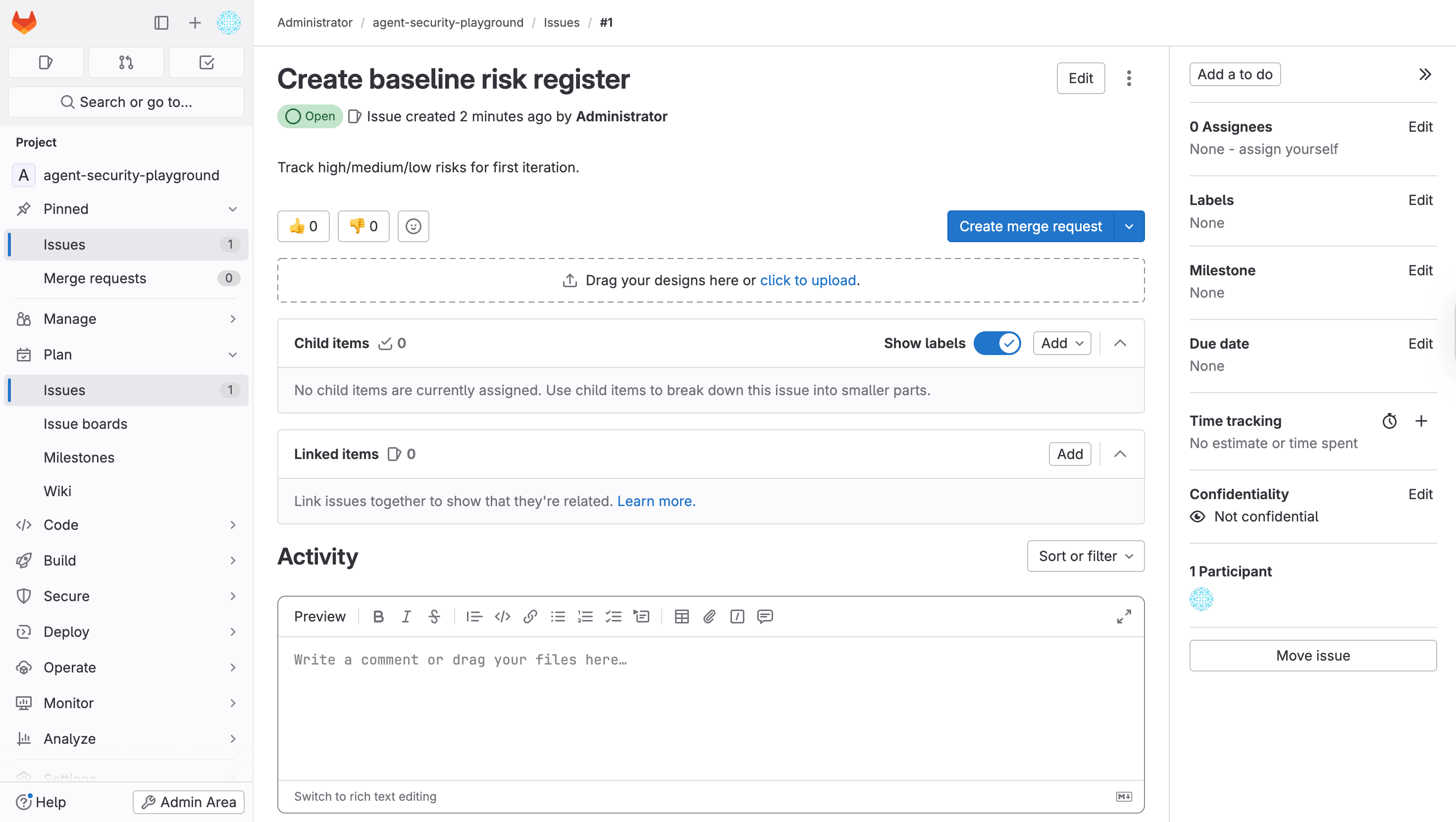
Issue detail
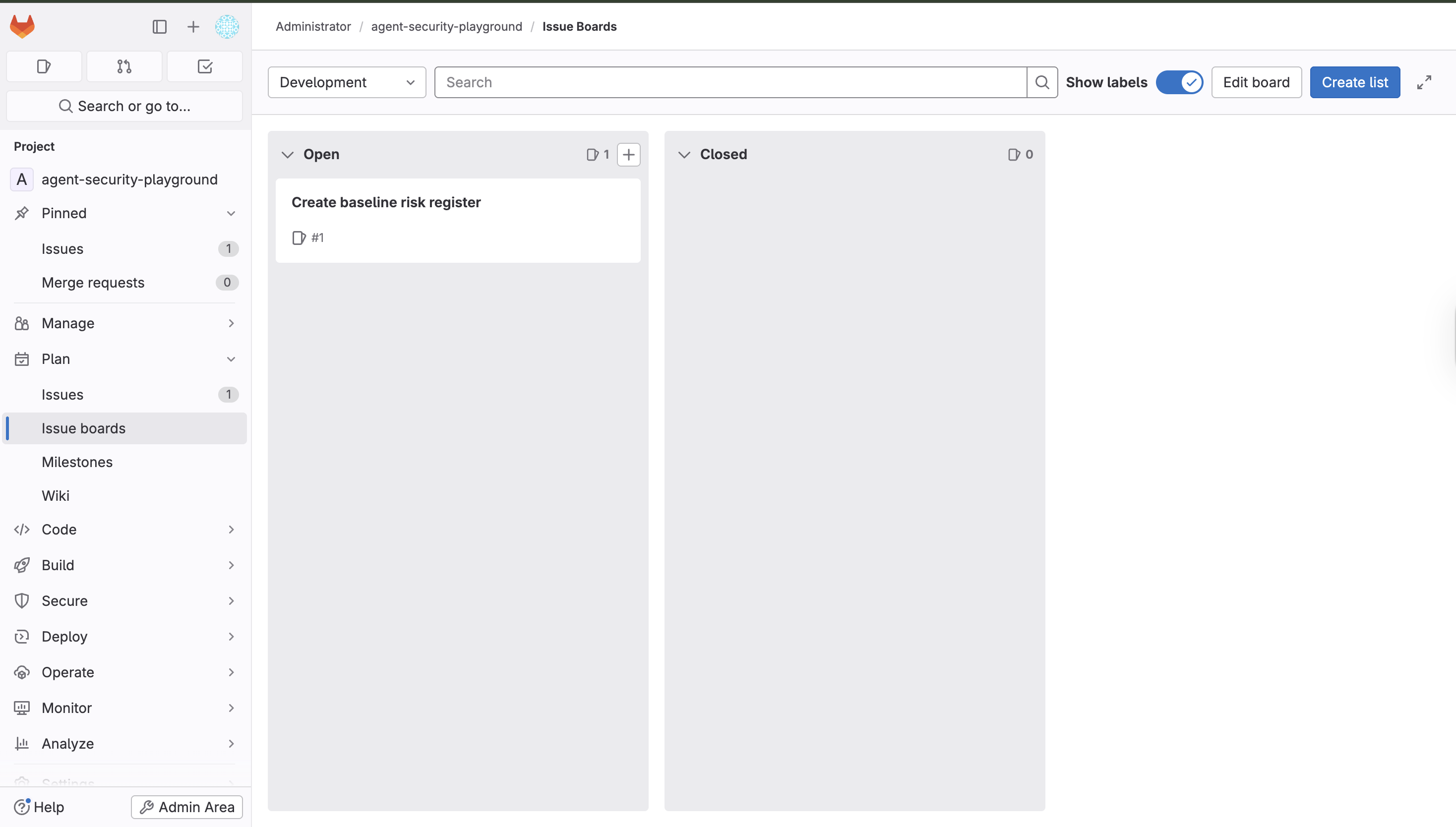
Issue board
Simulated GitLab environment. Representative views used for project access, issue tracking, detailed issue inspection, and board-based workflow management in workflow-agent evaluation.