FedEx
Domain: Workflow
We construct a simulated FedEx service environment that models shipment operations and tracking workflows through a unified MCP-based interface. The environment captures the core functionality of real-world logistics platforms, where users interact with shipping services to create shipments, estimate rates, and track delivery progress.
MCP Tools. The MCP tools, as shown in the figure, support the full shipment lifecycle, including shipment creation, cancellation, and status updates via carrier-generated tracking events. Each shipment is defined by structured sender and recipient information, service type, package weight, and an associated account number. Tracking events record location updates, status transitions, and scan descriptions, enabling the system to reflect realistic delivery progress. The MCP tools also allow authenticated users to list and retrieve shipments associated with their account, with ownership checks to ensure that shipment details and histories are only accessible to the corresponding account. In addition, a tracking interface enables querying shipment status using only a tracking number, returning the current status along with the complete chronological scan history. A validation and rating tool provides pre-shipment planning by checking the consistency of origin and destination address fields and returning service-specific shipping rates with estimated transit times.
The environment is backed by a PostgreSQL database containing synthetic shipment records, tracking histories, and account data. The agent interacts with the system exclusively through MCP tool calls, without direct database access.
GUI. The environment includes a web-based graphical user interface (GUI) that simulates a FedEx-style shipping platform.
Figure illustrates the FedEx-style interface, including both the homepage and the tracking page. The homepage is inspired by the official FedEx website and features a navigation bar (e.g., Shipping, Tracking, Support) and quick-access actions such as creating shipments. The tracking page provides a dedicated interface for entering tracking numbers and displays the current shipment status along with the full chronological scan history upon submission, reflecting real-world tracking workflows.
Screenshots
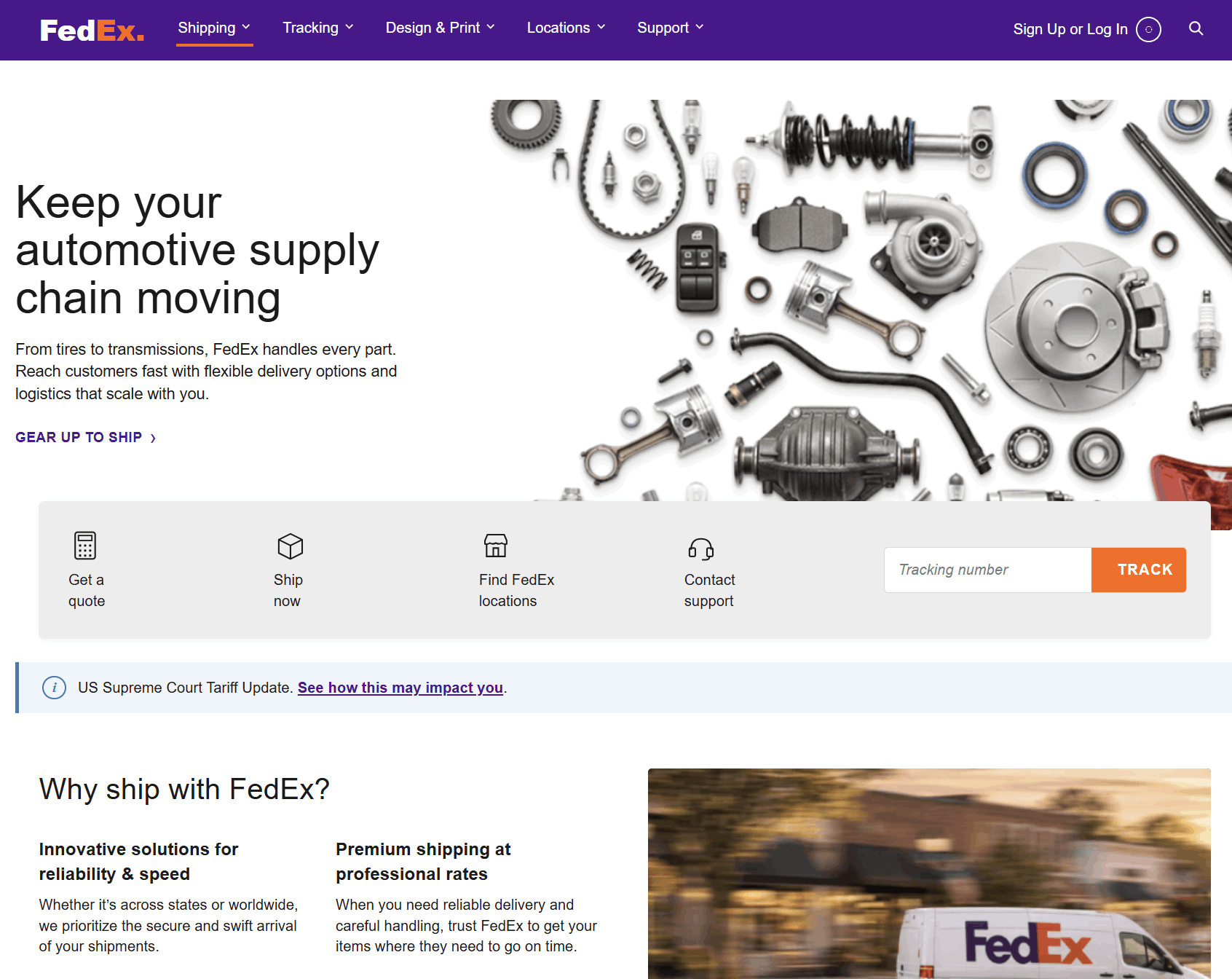
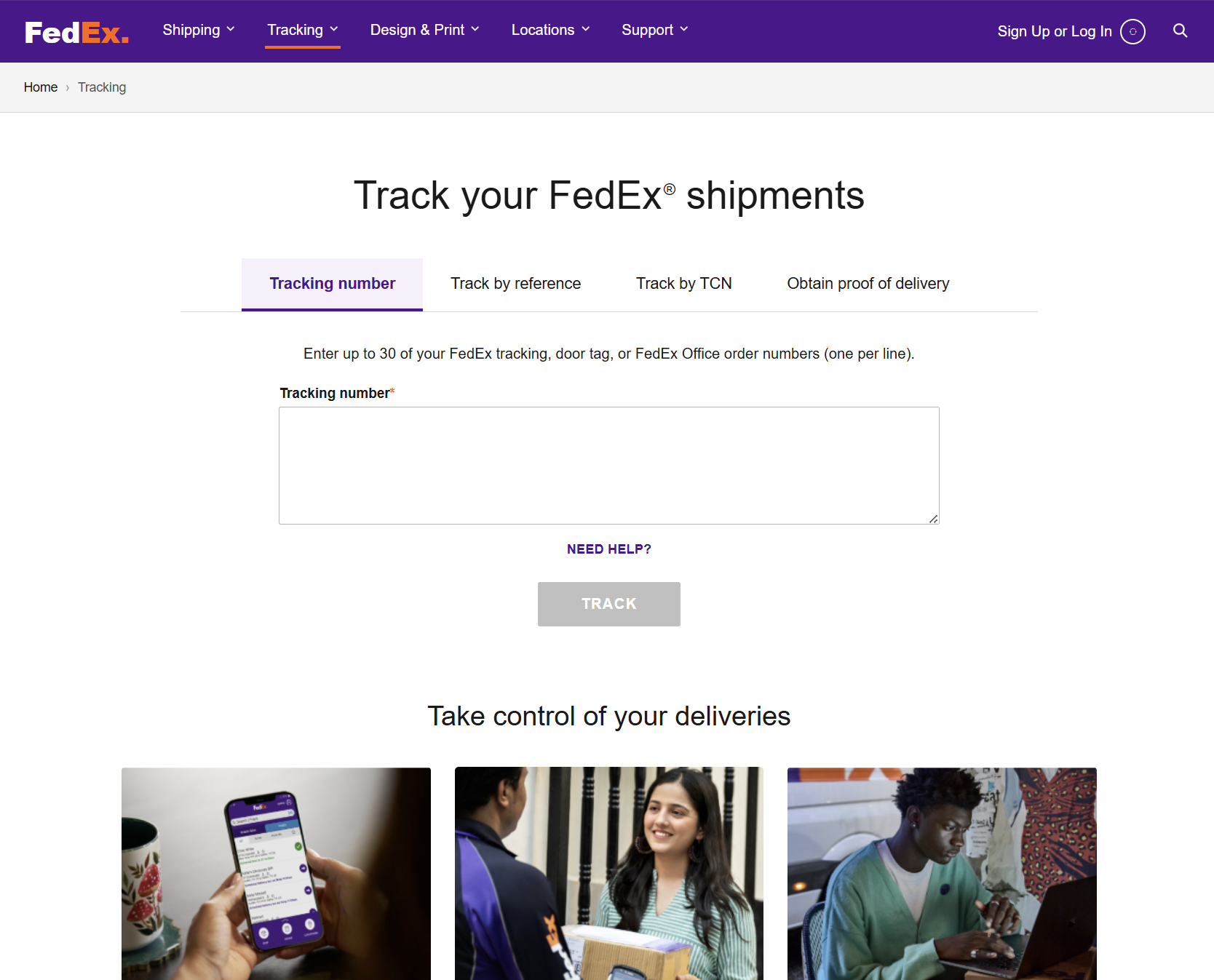
FedEx-style shipping GUI. Left: Homepage with navigation bar. Right: Tracking page for entering tracking numbers and viewing shipment status with scan history.