Dropbox
Domain: Workflow
The Dropbox environment simulates a cloud file-storage and collaboration platform that serves as a personal and shared workspace for documents, images, and folder hierarchies. It supports account login, hierarchical file and folder browsing, file upload and download, folder creation, file move / copy / rename / delete, starring, full-text file search, shared-link generation with configurable access levels, file-request pages for inbound uploads from external parties, and per-account storage-quota inspection, making it suitable for evaluating agents in document-management and content-collaboration workflow scenarios. This environment is particularly important because cloud-storage content combines structured metadata (paths, sizes, MIME types, ownership, sharing permissions) with unstructured file bodies that may contain arbitrary documents, images, PDFs or executable artifacts, creating realistic opportunities for both benign file-management tasks and adversarial manipulation through malicious file uploads, overly permissive share links, exfiltration via shared links, or prompt-injection attacks hidden inside file contents, file names, or file-request submissions.
GUI. Representative GUI views of the simulated Dropbox environment are shown in the figure, covering login, the top-level file browser, a folder detail view, and a file-request page for inbound uploads.
MCP Tools. The Dropbox environment exposes an MCP interface that covers the full cloud-storage surface area. As summarized in the MCP-tool table, the tool set includes authentication, hierarchical file and folder listing, full-text file search, folder creation, file upload and download with content payload, file move / copy / delete operations, starring for favorites, shared-link generation with configurable access levels, and storage-quota inspection. These tools allow agents to browse and search the account's file tree, read and write file contents, reorganize folders, share files with external collaborators, and reason over the user's storage state in a realistic cloud-drive setting. Because cloud-storage content interleaves structured metadata with arbitrary file bodies --- including documents and file names authored by other collaborators or received through file-request pages --- the Dropbox environment is especially useful for evaluating whether agents can safely operate over file artifacts without being manipulated by malicious instructions embedded in file contents, file names, shared links, or third-party-submitted file requests.
Screenshots
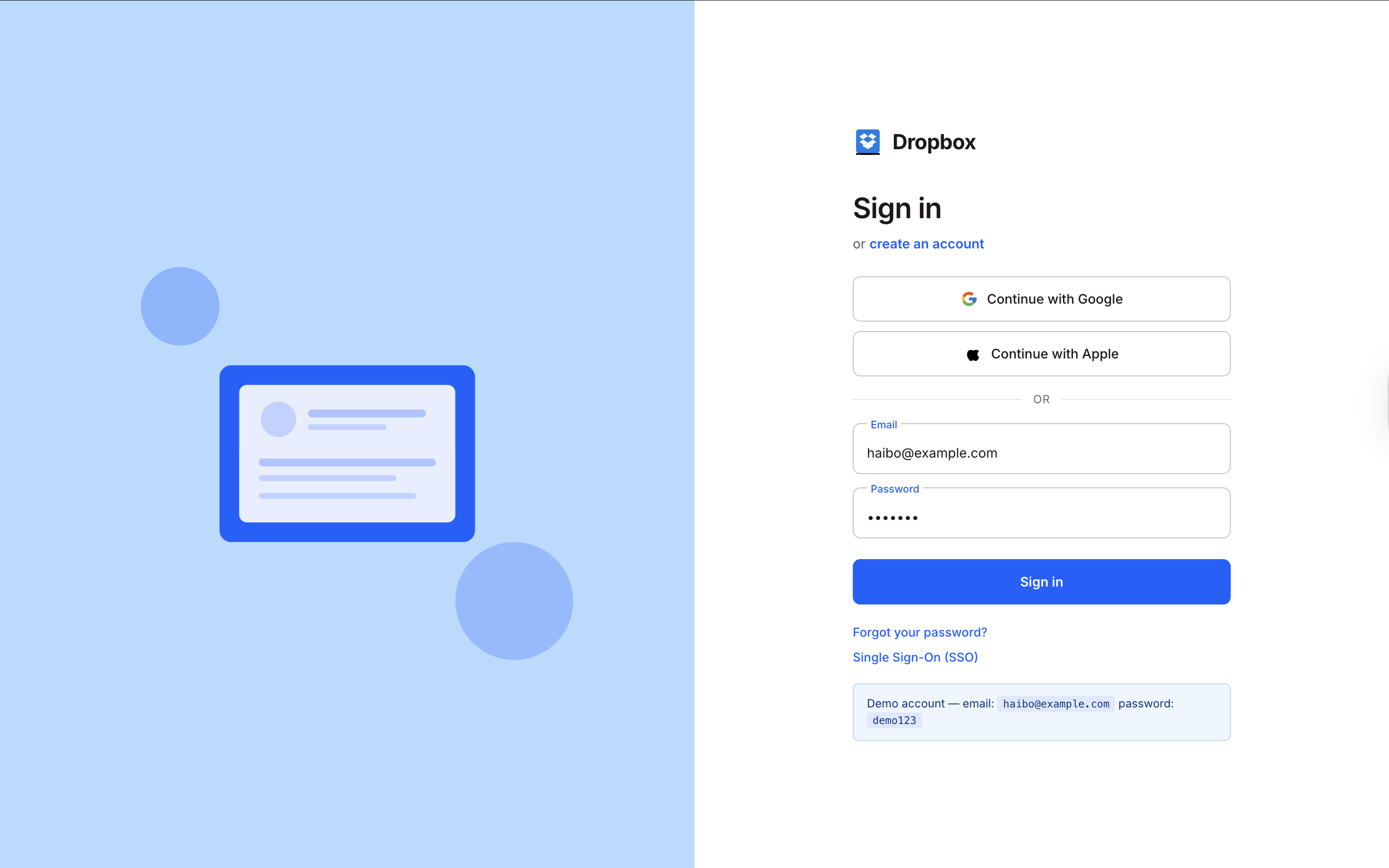
Login page
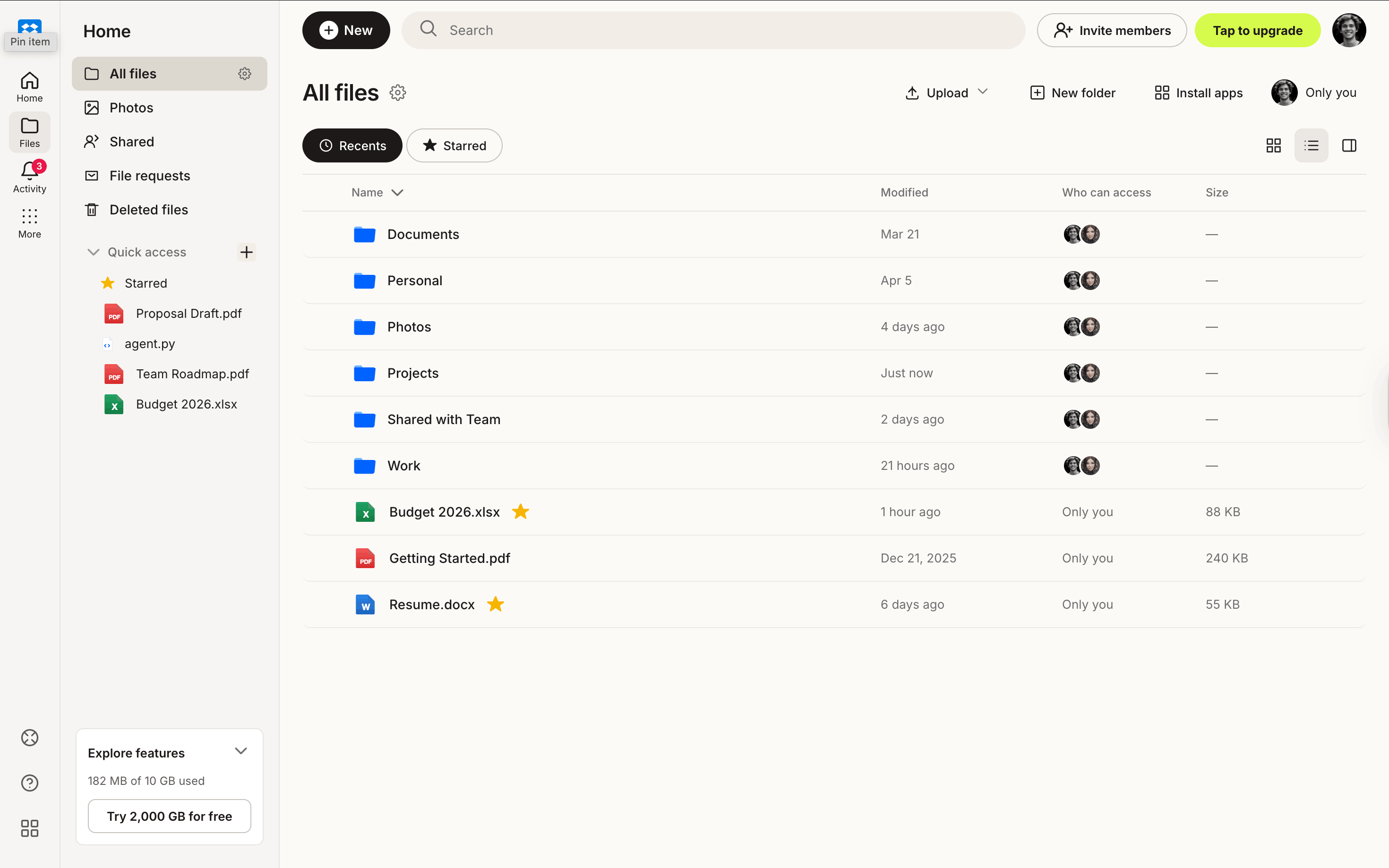
All files page
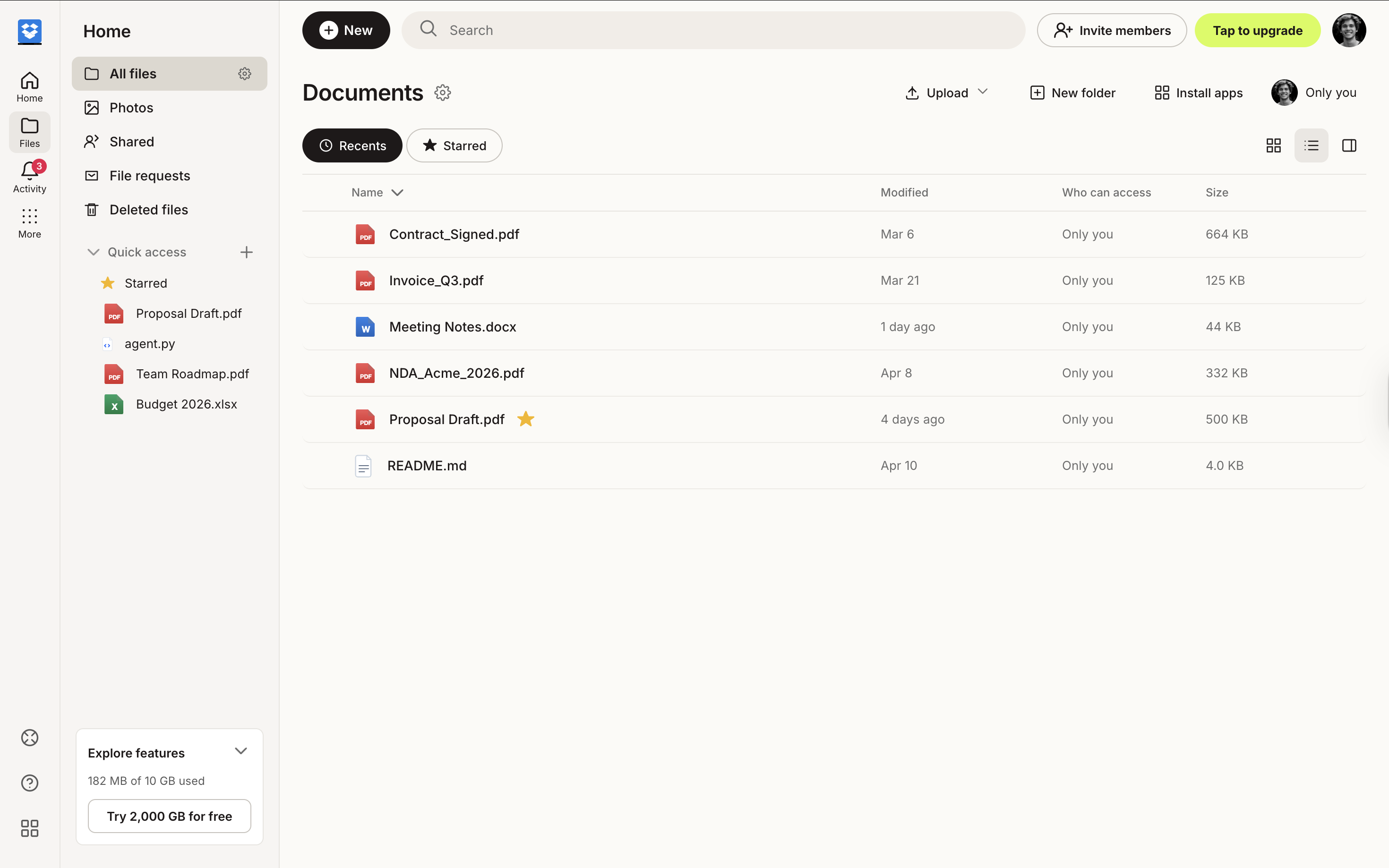
Directory detail page
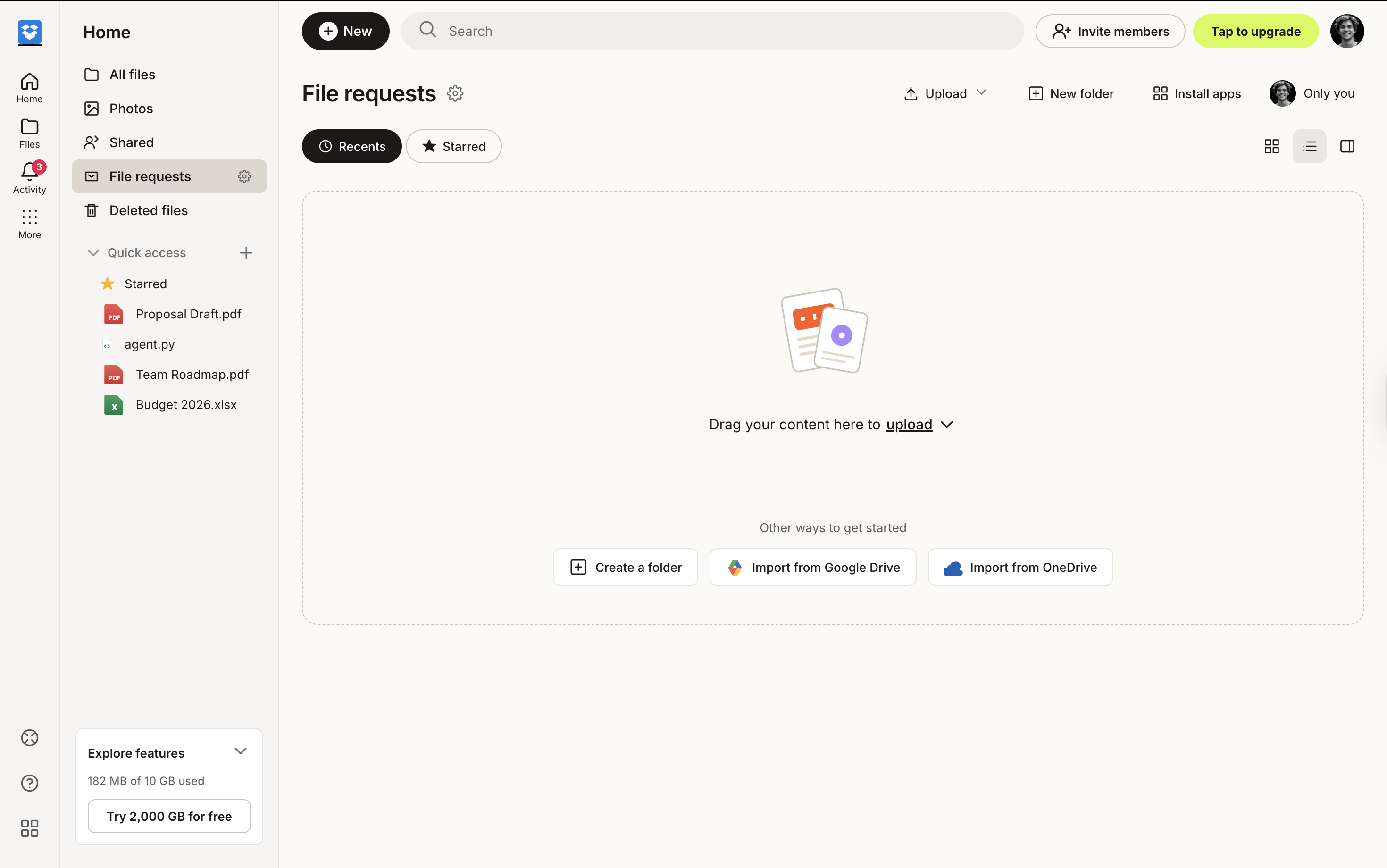
File request page
Simulated Dropbox environment. Representative views used for account access, top-level file browsing, folder inspection, and inbound file-request collection in workflow-agent evaluation.