Google Drive
Domain: Workflow
The Google Drive environment simulates a cloud file-management workspace for document discovery, organization, and retrieval workflows. It supports file browsing, filtering, and navigation over shared and stored resources, making it useful for evaluating whether agents can correctly locate relevant files and reason over document repositories in realistic productivity settings. This environment is particularly relevant for workflow-agent evaluation because file repositories often serve as an entry point for downstream actions, and file metadata or search results may also become channels for indirect attacks.
GUI. Representative GUI views of the simulated Google Drive environment are shown in the figure, covering the main file-browsing page and directory-based filtering for document retrieval workflows.
MCP Tools. The Google Drive environment provides MCP tools for file-repository management and document-organization workflows. As shown in the MCP-tool table, the interface supports item creation and retrieval, file and folder updates, movement and copying, deletion and restoration, user and link-based sharing controls, shortcuts and batch operations, and versioning and activity inspection. These tools enable agents to perform realistic repository-level actions such as organizing folders, locating files, updating stored content, and managing access permissions. Since file repositories often act as the entry point to downstream workflows, the Drive environment is particularly relevant for evaluating whether agents can safely navigate and manage shared storage without leaking sensitive files, misapplying permissions, or following malicious content embedded in stored artifacts.
Screenshots
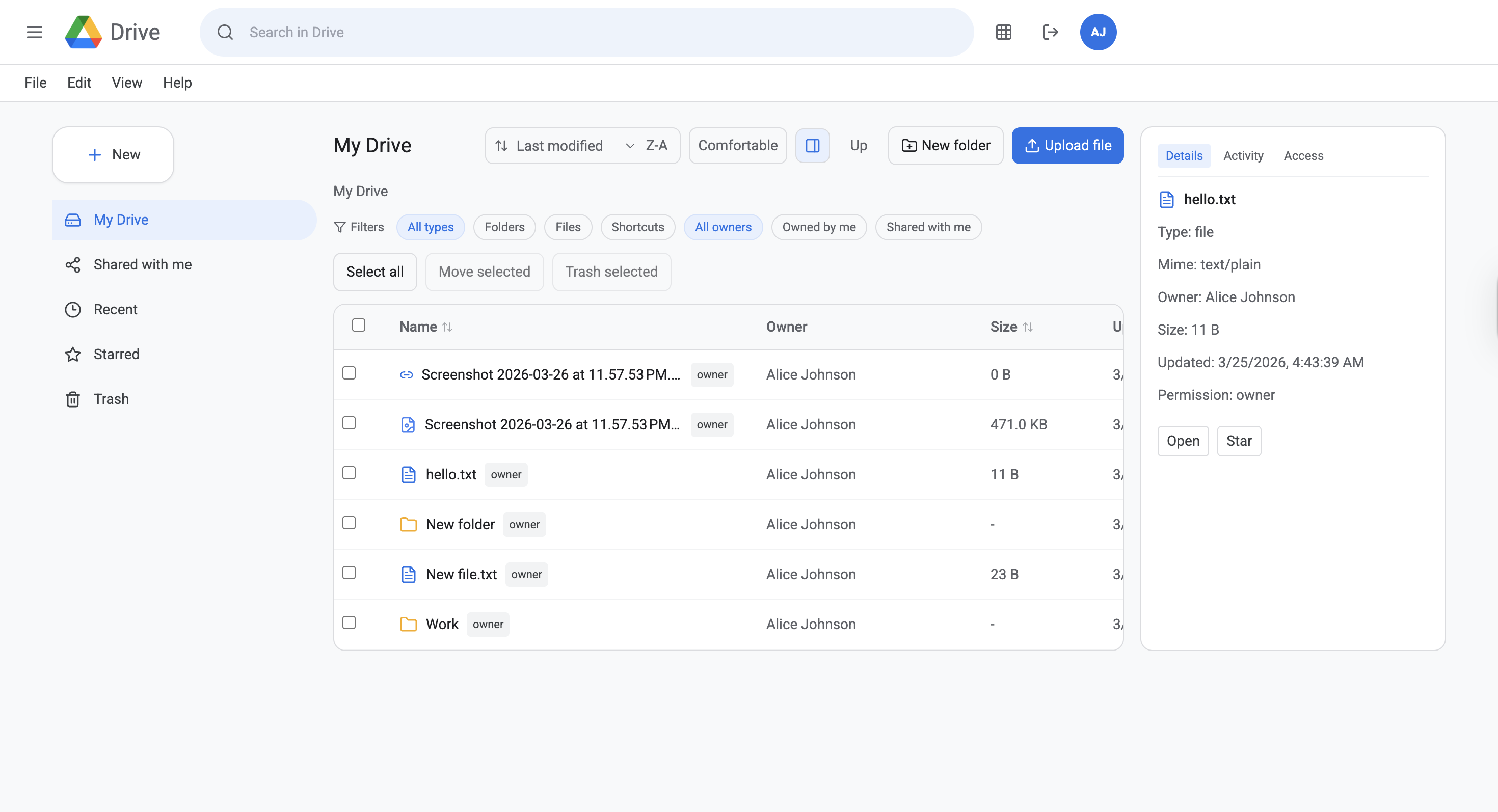
Main page
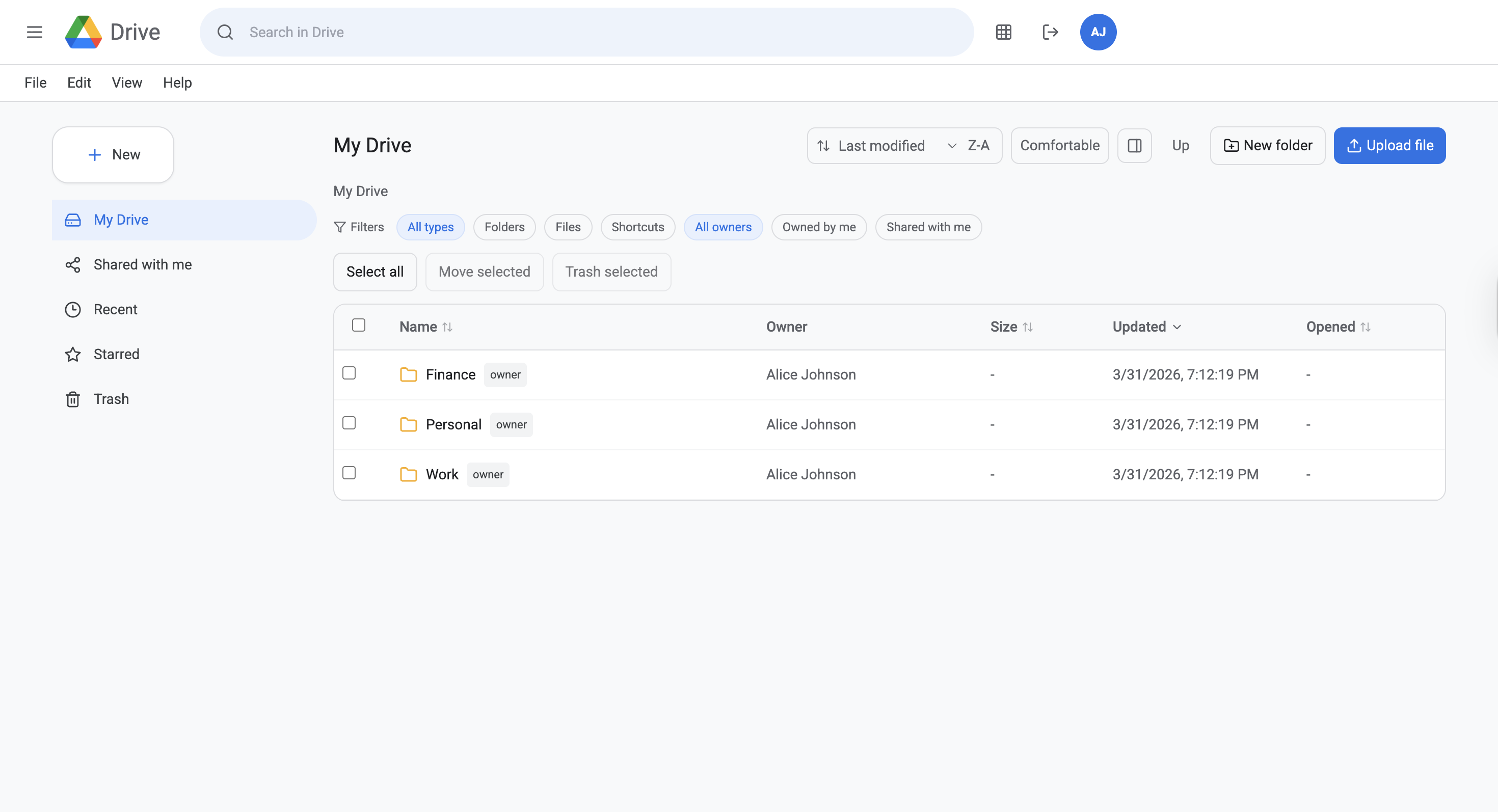
Directory filter
Simulated Google Drive environment. Representative views used for file browsing, directory filtering, and document retrieval in workflow-agent evaluation.