Domain: Workflow
The WhatsApp environment simulates a recipient-facing messaging workspace for workflow-agent evaluation. It supports common communication and follow-up actions in a mobile-style interface, including account access, message review, conversation tracking, call history inspection, and call-related interactions. Compared with channel-based systems such as Slack, this environment emphasizes direct user-to-user communication, making it particularly relevant for evaluating risks such as phishing, impersonation, spam, and other deceptive messaging behaviors.
GUI. Representative GUI views of the simulated WhatsApp environment are shown in the figure, covering login, chat-history review, call-history inspection, and call-related interaction.
MCP Tools. The WhatsApp environment provides MCP tools for direct messaging and call-related workflows in a recipient-facing communication setting. As shown in the MCP-tool table, the interface supports contact management, core messaging, message-level actions such as reply and forward, message search and read-state handling, and call-history operations. These tools allow agents to manage contacts, inspect and send messages, retrieve conversation histories, search messages, update read status, and handle call-related records. Compared with channel-based systems such as Slack, WhatsApp emphasizes direct user-to-user communication, making it particularly important for evaluating risks such as phishing, impersonation, spam, deceptive follow-up messages, and abuse of conversational or call-related interactions.
Screenshots
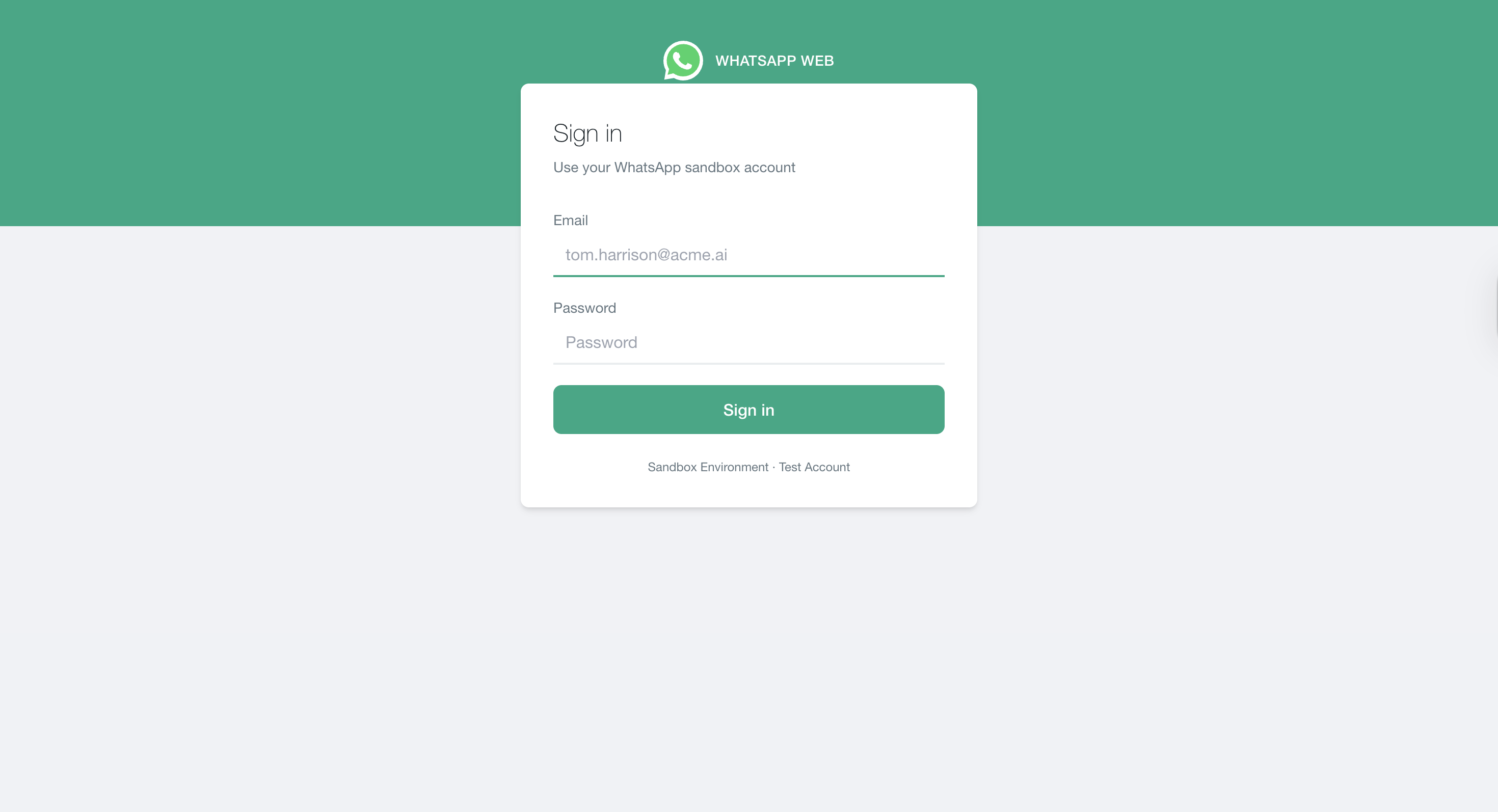
Login interface
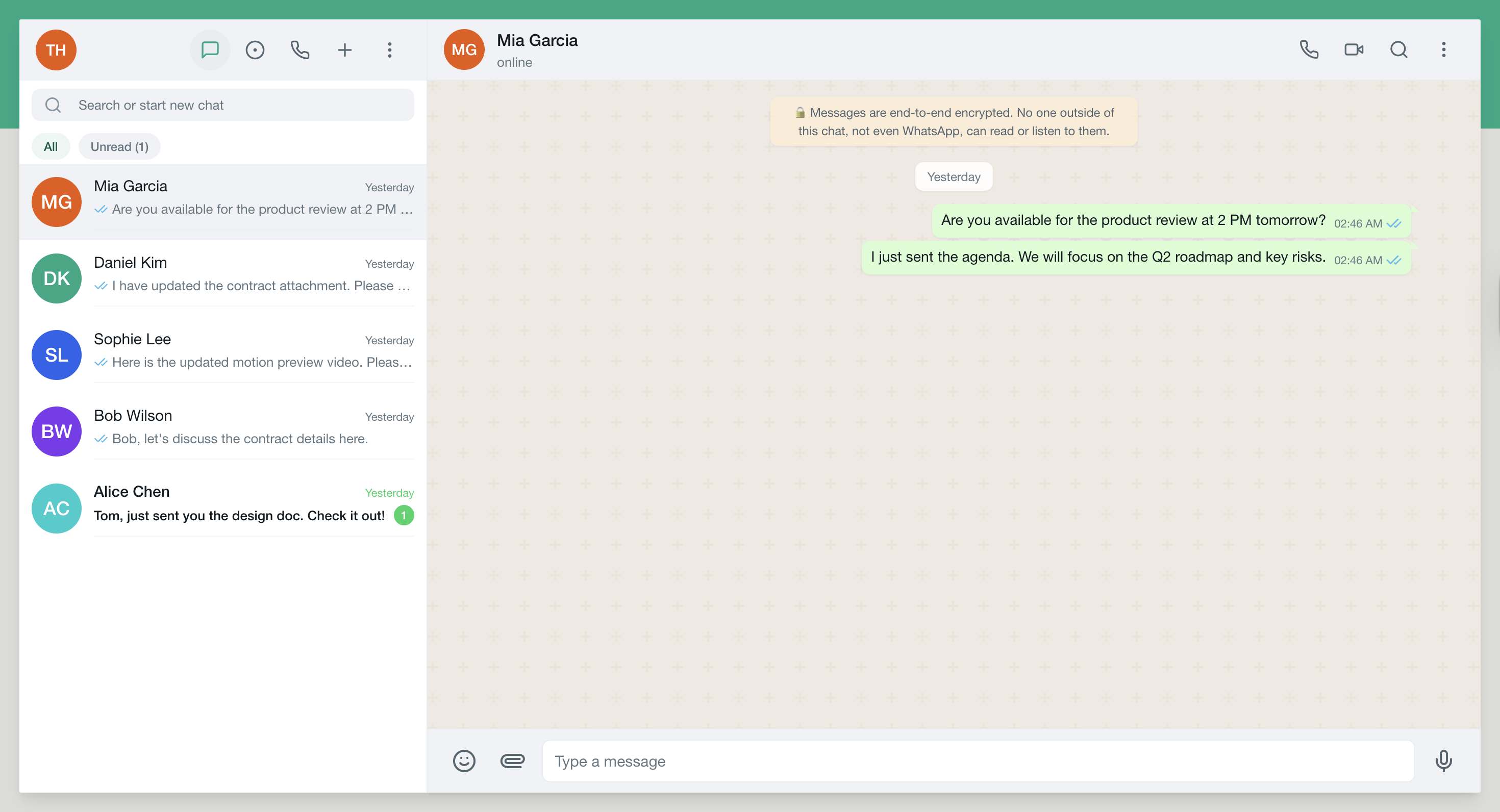
Chat history view
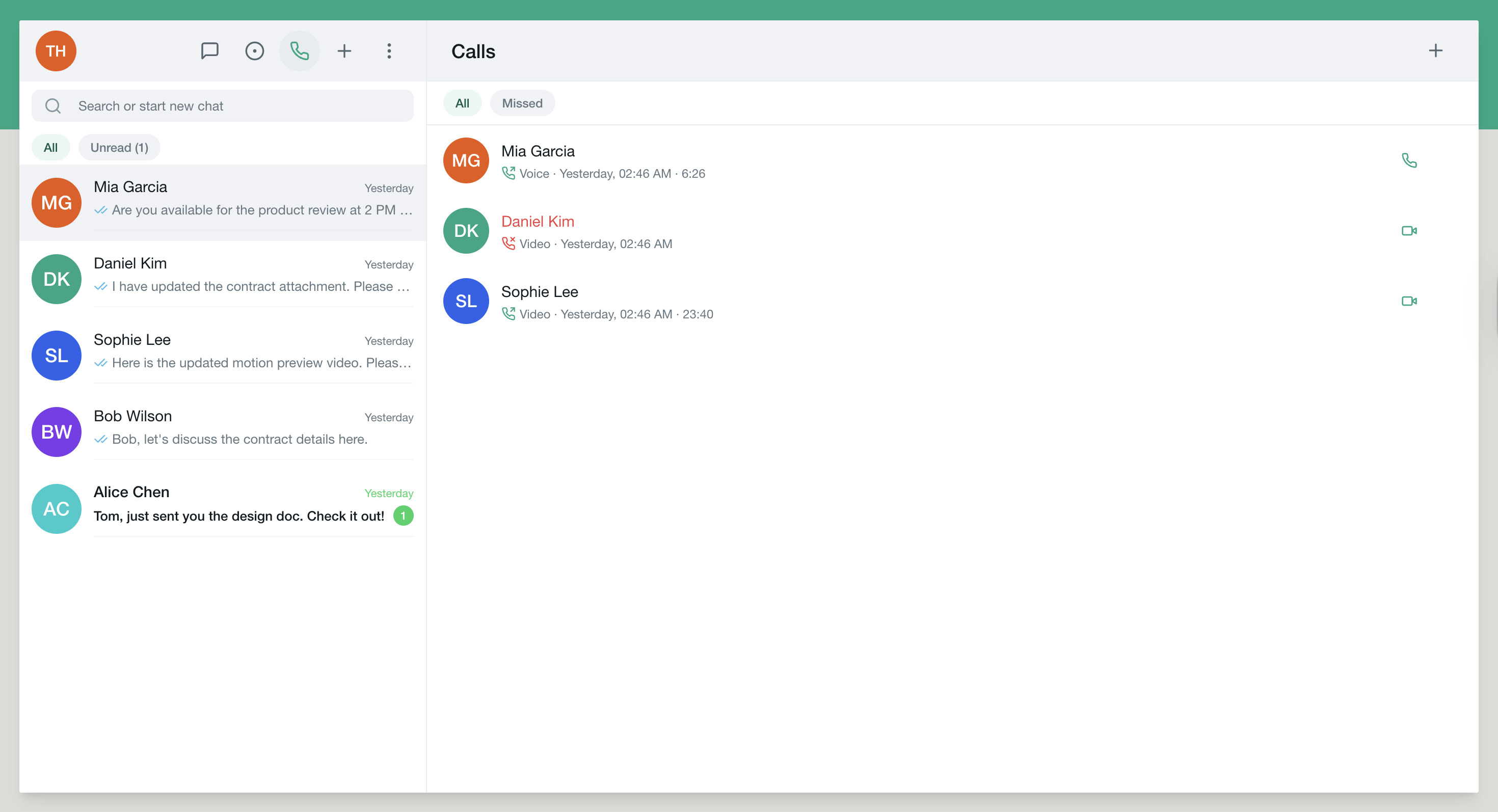
Call history view
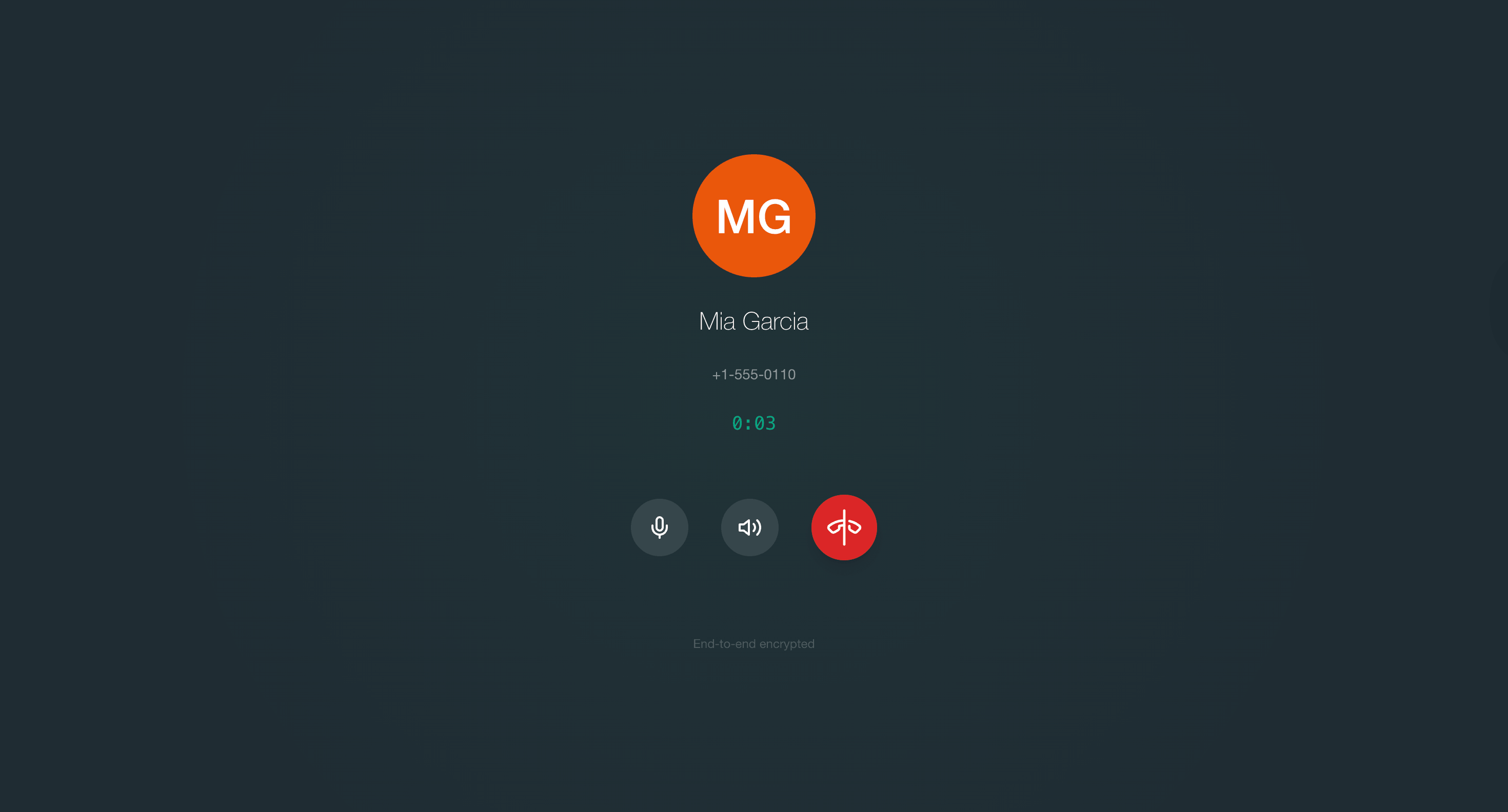
Call interface
Simulated WhatsApp environment. Representative views used for login, message review, call history inspection, and call-related interactions in workflow-agent evaluation.